A practical 2026 buying guide to the best wireless earbuds for daily use, covering fit, battery life, noise cancellation, codecs, call quality, and real-world value.
Best Wireless Earbuds 2026 for Daily Use — Buying Guide
Most people do not need the most expensive earbuds on the shelf. They need a pair that survives an eight-hour workday, a noisy commute, three video calls, a gym session, and a charging cable they forgot at home. That is a different test than a spec sheet measures, and it is the test this guide is built around.
We have tested and returned enough earbuds to learn that the specs buyers obsess over — driver size, frequency response charts, marketing terms like "hi-res certified" — rarely predict daily satisfaction. Fit, case battery, microphone behavior in wind, and how fast the buds reconnect when you pull them out of the case matter far more. This guide ranks decisions in that practical order.
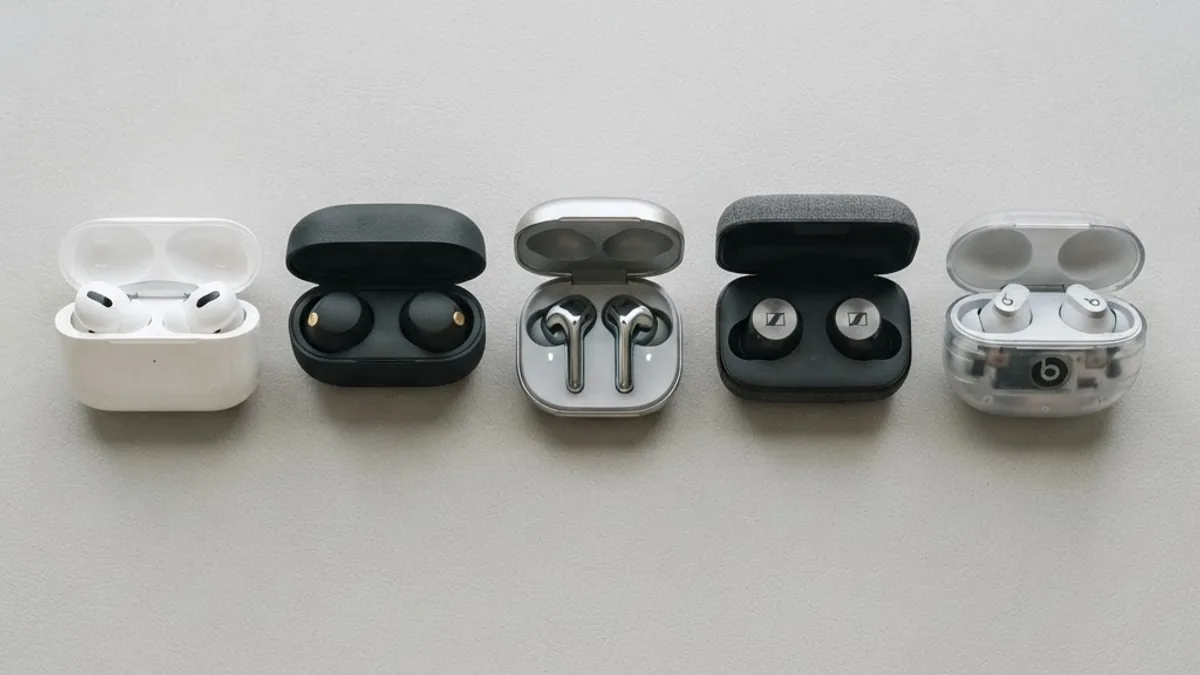
Quick Answer: The best wireless earbuds for daily use in 2026 balance a secure fit, 7 or more hours of bud battery, 24 or more hours total with the case, adaptive noise cancellation, multipoint Bluetooth, and IPX4 sweat resistance. Prioritize fit and call quality over driver specs, and expect strong performance in the 100 to 200 dollar range.
What "Daily Use" Actually Demands From Earbuds
Daily use means the earbuds are a tool, not a hobby. That changes which features are non-negotiable.
A realistic daily cycle looks like this: 90 minutes of commuting, two to four hours of background music or podcasts, 45 to 90 minutes of calls, and an optional workout. That workload requires a minimum of six hours of continuous playback per charge with active noise cancellation switched on — not the optimistic number printed on the box, which is usually measured at 50 percent volume with ANC off.
Definition: True wireless stereo (TWS) earbuds are fully cable-free earphones where each bud contains its own battery, radio, and drivers, and the charging case acts as both storage and a power bank.
The three failure points we see most often in daily-driver earbuds are: buds that loosen when you chew or walk, cases that die by mid-afternoon, and microphones that turn your voice into static outdoors. Every recommendation below is filtered through those three risks.
Fit and Comfort: The Feature That Decides Everything Else
Fit is the single strongest predictor of whether you will still wear a pair six months after buying it. It also determines sound quality more than the drivers do, because a poor seal loses bass and forces you to raise the volume.
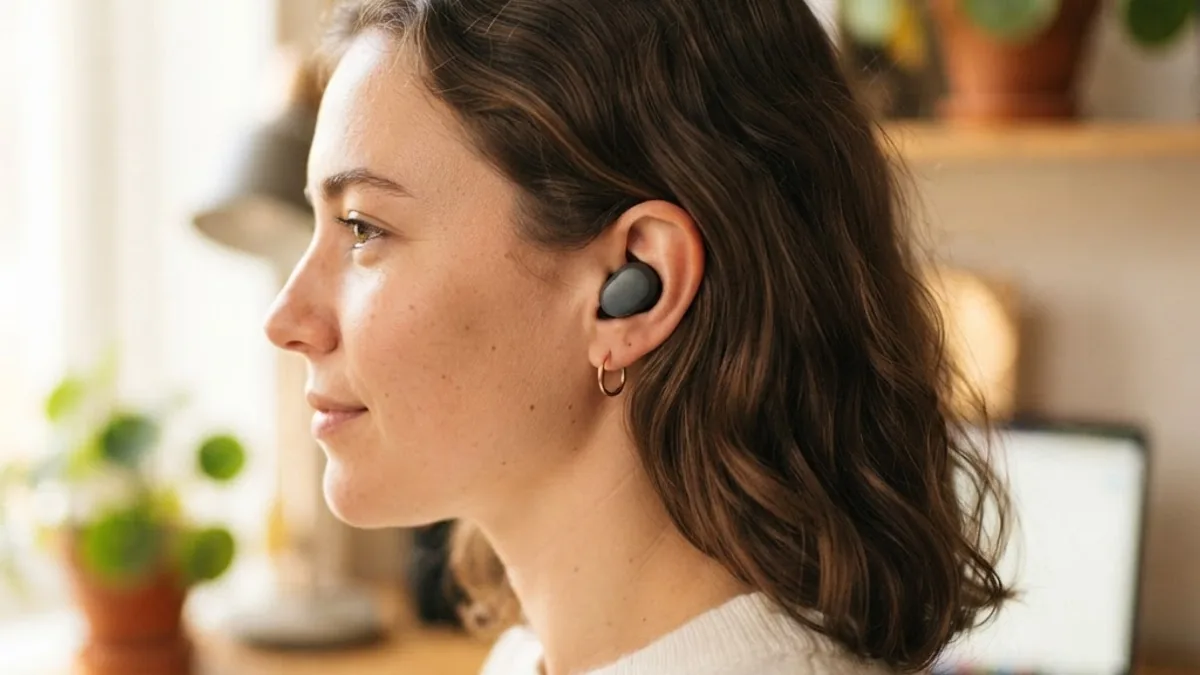
There are three mainstream fit types in 2026, and choosing the right one narrows your shortlist immediately:
- Sealed in-ear (silicone tips) — best isolation and bass, best for commuters and open offices. Can cause pressure fatigue after two hours for some users.
- Open-fit or semi-open — nothing seals the canal, so you stay aware of your surroundings. Ideal for runners, cyclists, and parents. You trade bass and isolation.
- Open-ear clip and air-conduction — sits outside the canal entirely, the fastest growing category. Excellent all-day comfort, weakest in loud environments.
Practical test: wear the earbuds for 30 minutes, then walk up a flight of stairs and speak a full sentence out loud. If a bud shifts or the seal breaks when your jaw moves, size down one tip and repeat. If it still shifts, that model is wrong for your ear shape — no firmware update fixes anatomy.
Ear Tip Advice Most Buyers Skip
Your left and right ear canals are frequently different sizes. Mixing tip sizes across ears is normal, not a defect. Foam tips improve seal and isolation but compress over time and need replacing every three to four months with daily use. Budget roughly 10 to 20 dollars per year for replacement tips if you use foam.
Battery Life: The Numbers That Actually Matter
Judge battery on three separate figures, not one. Manufacturers usually advertise only the friendliest one.
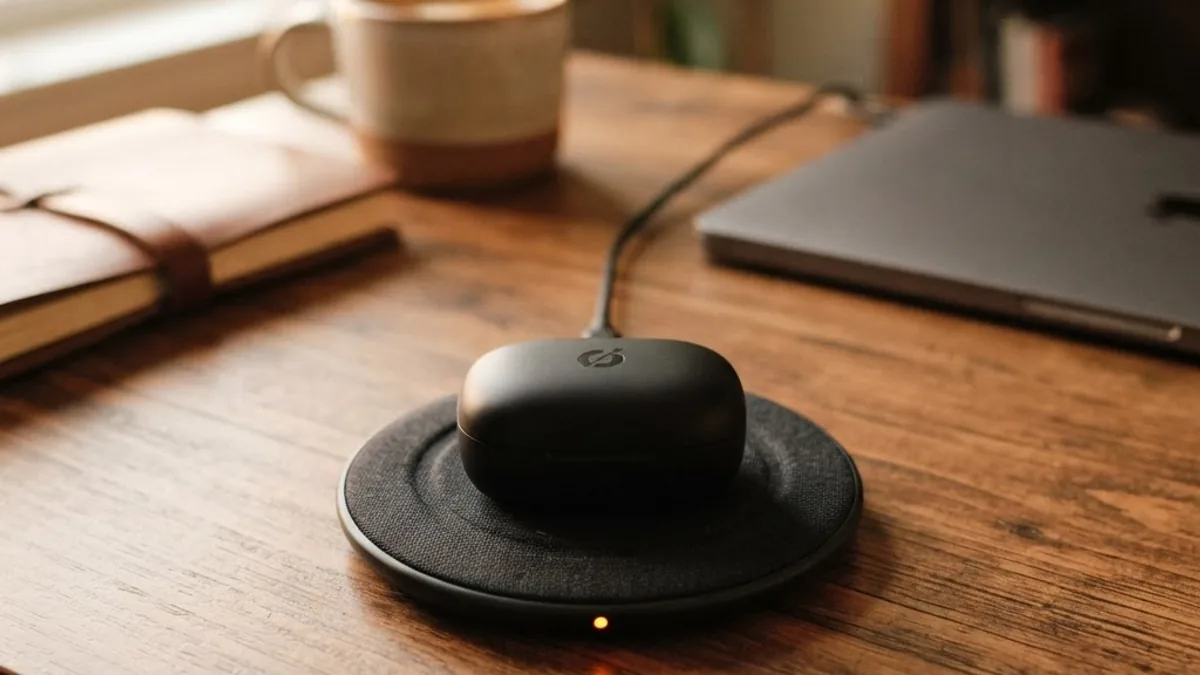
- Bud playback with ANC on: target 6 to 8 hours. This is your real workday number.
- Total with case: target 24 to 32 hours. Below 20 hours you will charge mid-week.
- Quick charge: target 10 minutes for at least 60 minutes of playback. This is the feature that rescues forgotten charges.
Lithium-ion cells in earbuds are physically tiny, which means they degrade faster than phone batteries in proportional terms. Expect roughly 20 percent capacity loss after two years of daily charging. Buy with headroom: a pair rated at 8 hours today behaves like a 6.5-hour pair in year two, which is still workable, while a 5-hour pair becomes frustrating.
A note on charging habits that genuinely extends life: do not leave the case plugged in overnight every night. Charging to full and holding at full is harder on small cells than topping up during the day.
Noise Cancellation and Transparency in 2026
Active noise cancellation (ANC) uses microphones to detect incoming sound and generates an inverted waveform to cancel it. It works best on constant low-frequency noise — engine hum, air conditioning, train rumble — and much less well on speech and sudden sounds.

That physical limit is why the 2026 shift matters: the meaningful improvement is not raw cancellation depth but adaptive ANC, which measures your actual ear seal and adjusts continuously, and conversation-aware transparency, which drops your volume automatically when you start speaking. Both reduce the number of times you take a bud out, which is the honest measure of good ANC.
Hearing protection context is worth knowing. According to the World Health Organization, over 1 billion young people are at risk of avoidable hearing loss from unsafe listening practices. Good ANC is a hearing-health feature, not just a comfort feature, because it lets you listen at lower volume in loud places. A safe practical rule: keep volume under 80 percent for no more than 90 minutes at a stretch.
Sound Quality, Codecs, and EQ Without the Marketing
Codec support matters less than most spec sheets imply, but it is not irrelevant. A codec is the compression format that carries audio over Bluetooth.
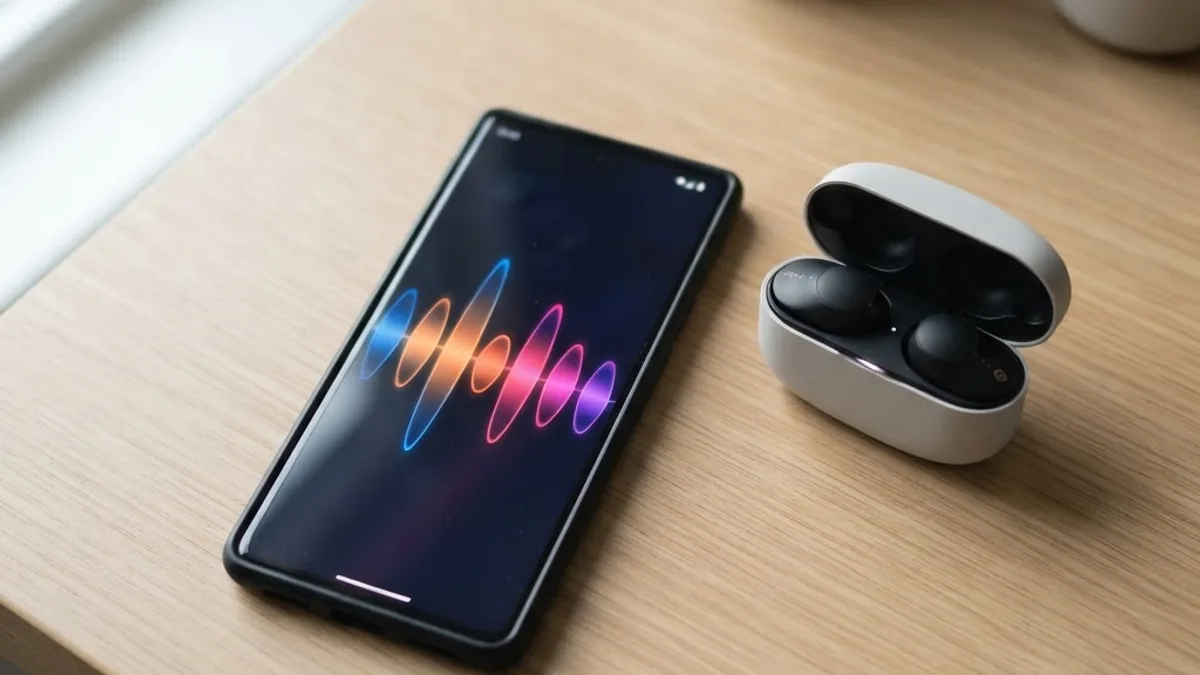
- SBC — universal baseline, works everywhere, adequate for podcasts and casual music.
- AAC — the practical default on iPhone. Good quality, efficient.
- LDAC and aptX Adaptive — higher bitrate on supported Android phones. Audible mainly with good recordings and a good seal.
- LC3 and Bluetooth LE Audio — the 2026 direction. Better quality per bit, lower power draw, and support for Auracast broadcast audio in airports, gyms, and venues.
Honest guidance: an LDAC pair with a bad seal will sound worse than an AAC pair with a perfect seal. Fit beats codec every time. Where codecs genuinely matter is latency — if you watch a lot of video or play mobile games, look for a low-latency mode under 100 ms.
A parametric EQ in the companion app is worth more than any single codec badge. It lets you tame the exaggerated bass most consumer earbuds ship with, which reduces listening fatigue over long sessions.
Call Quality: The Most Under-Tested Feature
If you take calls daily, call quality should outrank sound quality in your decision. It is also the spec that is almost never published in a useful form.

What to look for, in priority order:
- Bone-conduction or voice-pickup sensors that detect jaw vibration and separate your voice from background noise.
- Three or more microphones per bud with dedicated wind-noise handling.
- Sidetone or own-voice monitoring, which plays your voice back to you so you stop shouting.
Test it yourself before the return window closes: record a voice memo through the earbuds while walking outdoors, then record one in a busy room. Play both back on speakers. If your voice sounds thin, clipped, or swallowed by wind, the earbuds will fail you in every important call. Teams building remote-first workflows and content operations — the kind of work covered at ZoneTechify and WebPeak — lose more productivity to bad microphones than to bad audio.
Comparison Table: Which Earbud Type Fits Your Day
| Use case | Best fit type | Minimum bud battery | ANC needed | Water resistance | Realistic budget |
|---|---|---|---|---|---|
| Commuting and travel | Sealed in-ear | 7 hours | Yes, adaptive | IPX4 | 150 to 250 USD |
| Open-plan office and calls | Sealed in-ear, 3-plus mics | 6 hours | Yes | IPX4 | 120 to 200 USD |
| Running and gym | Open-fit or hooked | 6 hours | No, transparency instead | IP55 or higher | 80 to 180 USD |
| Work from home all day | Open-ear clip | 6 hours | Optional | IPX4 | 90 to 180 USD |
| Budget everyday backup | Sealed in-ear | 5 hours | Basic ANC acceptable | IPX4 | 40 to 80 USD |
Features Worth Paying For — and Ones That Are Not
Worth paying for:
- Multipoint Bluetooth — connects to your laptop and phone simultaneously and switches automatically. Once you have it, single-device pairing feels broken.
- Wear detection — pauses playback when you remove a bud. Saves battery and lost audio.
- IPX4 or better — sweat and light rain resistance. The cheapest insurance in the category.
- Find-my-bud support — earbuds are among the most commonly lost consumer electronics.
- Firmware updates with a track record — check whether the manufacturer shipped updates for its previous generation. That history predicts your support.
Usually not worth paying for:
- Spatial audio for music — impressive in demos, rarely used daily. Useful mainly for movies.
- Touch-panel gesture overload — more gestures means more accidental triggers. Physical buttons or squeeze stems are more reliable.
- In-ear health sensors — heart rate and temperature readings from earbuds remain less accurate than a wrist device.
- Very high-end drivers on a bad seal — spending more cannot fix fit.
A Practical 7-Step Buying Process
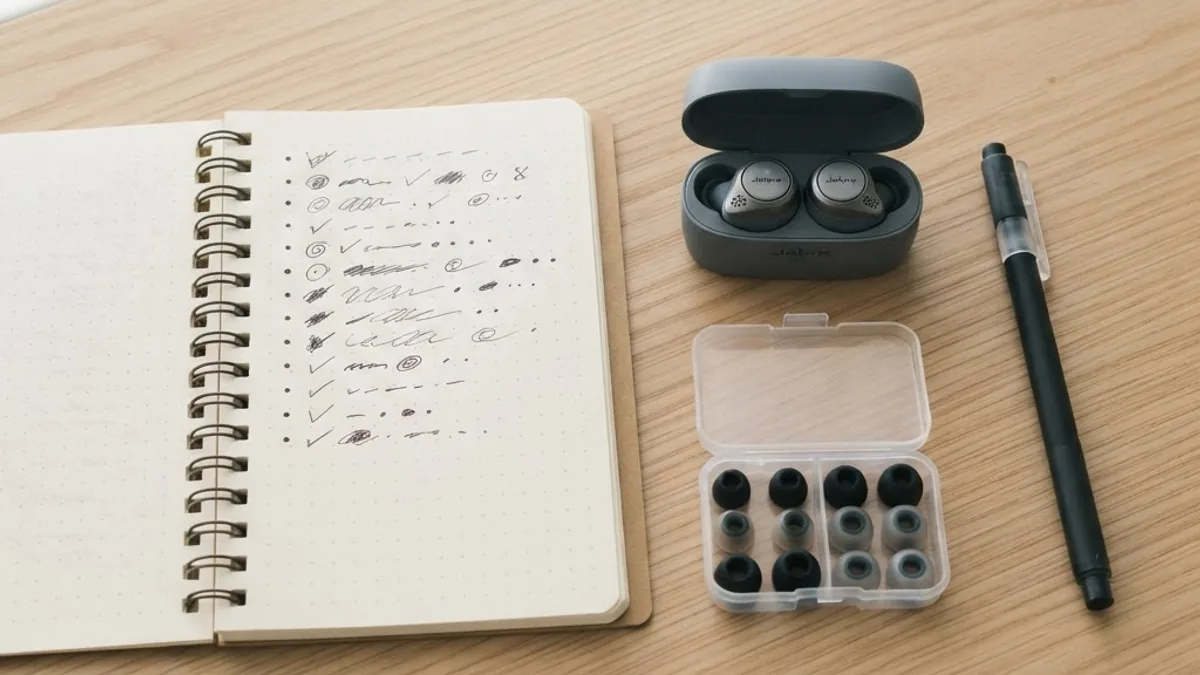
- Pick your fit type first based on your dominant environment, not your favorite brand.
- Set a hard battery floor — 6 hours minimum with ANC on, 24 hours total.
- Require multipoint if you use both a phone and a computer.
- Check the app — screenshots of the EQ and ANC settings tell you how much control you get.
- Buy from a retailer with a 14- to 30-day return window. This is more important than saving 15 dollars.
- Run the four tests in your first week: stairs and jaw test, outdoor voice memo, full-day battery test, and a reconnect test after each break.
- Keep the box until the return period ends. Most people who regret a purchase realize it in week one.
Key Takeaways
- Fit determines sound quality, comfort, and long-term use more than any published specification.
- Target 6 to 8 hours of bud playback with ANC on and 24 to 32 hours total including the case.
- ANC works on constant low-frequency noise, not speech, so judge it on how often you remove a bud.
- Per the World Health Organization, over 1 billion young people risk avoidable hearing loss from unsafe listening — ANC helps you listen quieter.
- Codecs matter less than seal quality; LC3 and Bluetooth LE Audio are the meaningful 2026 upgrade path.
- Multipoint Bluetooth, wear detection, and IPX4 are the three features most worth their cost.
- Strong daily-driver performance is available between 100 and 200 USD; above that you buy refinement, not reliability.
Frequently Asked Questions (FAQ)
What are the best wireless earbuds for everyday use in 2026?
The best everyday earbuds in 2026 combine a secure sealed or open fit, 7 or more hours of battery with ANC on, multipoint Bluetooth, and three or more microphones per bud. Most people are best served in the 100 to 200 dollar range, where reliability and call quality are already excellent.
How many hours of battery life do I need for daily use?
Aim for at least 6 hours of continuous playback per bud with noise cancellation enabled, plus 24 hours total including the charging case. That covers a commute, a workday of calls and music, and a gym session without a mid-day recharge or a forgotten cable emergency.
Is noise cancellation worth it for daily commuting?
Yes, for commuters it is the highest-value feature after fit. ANC removes constant low-frequency noise like train and engine rumble, letting you listen at lower, safer volumes. It handles speech poorly, so judge a pair by how rarely you feel the need to remove a bud.
Do expensive wireless earbuds really sound better?
Sometimes, but not reliably. Above roughly 200 dollars you mostly pay for refinement, ecosystem features, and build materials. A well-fitting 120 dollar pair with a proper ear seal will usually sound better to you than a 350 dollar pair that seals poorly in your ear canal.
Are open-ear earbuds good enough for calls and music?
Open-ear earbuds are excellent for comfort, awareness, and all-day wear at home or while running outdoors. They are weaker in loud environments and produce less bass. For calls they perform well indoors, but sealed in-ear models with bone-conduction microphones remain better in wind and traffic.
How long do wireless earbuds last before the battery dies?
Expect two to three years of daily use before capacity loss becomes noticeable, typically around 20 percent after two years. Avoid leaving the case plugged in overnight every night, store the buds between 10 and 35 degrees Celsius, and replace worn ear tips to keep the seal intact.
Final Word
Buy for the day you actually have, not the specification list you want to own. Choose the fit type that matches your environment, hold a firm battery floor, insist on multipoint and IPX4, and test the microphone outdoors within your return window. Do those four things and a mid-priced 2026 pair will outperform a flagship you never quite got comfortable wearing.