A practical 2026 buying guide comparing OLED and IPS 4K gaming monitors across price tiers, refresh rates, burn-in risk, and the GPU you actually need.
Best 4K Gaming Monitors 2026 — OLED vs IPS Budget Guide
Buying a 4K gaming monitor in 2026 is harder than it was three years ago, and not because the panels got worse. It is because they got good enough that both OLED and IPS now deliver 240Hz at 3840x2160, and the deciding factors have quietly shifted from raw specs to room lighting, usage hours, and how much of your budget the GPU still needs. After testing and configuring dozens of display setups for creative and gaming workstations, our team has found that most buyer regret comes from picking the wrong panel type for the room the monitor lives in — not from picking the wrong brand.
This guide breaks down exactly which panel type wins at each budget tier, what specs genuinely matter in 2026, and how to avoid the two most expensive mistakes: overspending on a refresh rate your GPU cannot feed, and putting an OLED in a bright room.
Quick Answer: For dark rooms and mostly gaming, a 27-inch or 32-inch 4K QD-OLED at 240Hz offers the best image quality in 2026. For bright rooms, mixed work-and-play use, or budgets under 400 USD, a Fast IPS 4K panel is the smarter buy — it is brighter in ambient light, has zero burn-in risk, and costs significantly less.
OLED vs IPS in 2026: What Actually Changed
The gap between these two panel technologies narrowed in speed and widened in price. OLED (organic light-emitting diode) lights each pixel individually, so black pixels are fully off — producing effectively infinite contrast and 0.03ms gray-to-gray response times. IPS (in-plane switching) uses a backlight behind a liquid crystal layer, which means black areas still leak light, but the panel is inorganic and cannot suffer permanent image retention.
What is new in 2026 is that fourth-generation QD-OLED and WOLED panels now push 1,000+ nits in small highlight windows and have largely solved the dim-SDR complaint that plagued 2023 models. Meanwhile, IPS improved in a different direction: mini-LED backlights with 1,000+ dimming zones now get IPS contrast close enough that in a sunlit room, most people cannot pick the OLED out of a lineup.
The Ambient Light Test That Decides It
Here is the single most useful test we give clients before they spend money. Sit at your desk at the time of day you game most, and look at your current screen while it displays a mostly black image. If you can clearly see the room reflected in the glass, an OLED's contrast advantage will be partially cancelled by reflections, and a bright mini-LED IPS is the better purchase. If the screen looks like a black mirror only when powered off, OLED will look genuinely spectacular.
This matters because contrast is a ratio, and ambient light raises the floor of that ratio for every display in the room. A 1,500,000:1 OLED in a bright room measures closer to 2,000:1 effective contrast — barely ahead of a good mini-LED IPS costing 40 percent less.
4K Gaming Monitor Comparison by Panel Type
| Factor | 4K QD-OLED / WOLED | 4K Fast IPS | 4K Mini-LED IPS |
|---|---|---|---|
| Typical 2026 price | 700 to 1,200 USD | 300 to 550 USD | 600 to 900 USD |
| Contrast ratio | Effectively infinite | 1,000:1 to 1,300:1 | 5,000:1 to 20,000:1 |
| Response time (GtG) | 0.03ms | 1ms to 4ms | 1ms to 4ms |
| Peak brightness (HDR) | 1,000 to 1,600 nits (window) | 350 to 450 nits | 1,000 to 1,600 nits (sustained) |
| Full-screen white brightness | 250 to 300 nits | 350 to 450 nits | 600+ nits |
| Burn-in risk | Low but non-zero | None | None |
| Text clarity for work | Good, subpixel fringing possible | Excellent | Excellent |
| Best room type | Dark or dim | Any, including bright | Bright |
| Best for | Story games, HDR, competitive FPS | Mixed work and play, budget builds | Bright rooms, HDR movies |
Best 4K Gaming Monitors 2026 by Budget Tier
Rather than naming models that will be replaced within a year, here is the specification target to buy at each price. Match these numbers on any brand's spec sheet and you will get a genuinely good monitor.
Under 350 USD: The Entry 4K Tier
Target a 27-inch or 28-inch Fast IPS panel at 144Hz with DisplayPort 1.4 and at least one HDMI 2.1 port. At this price, skip anything advertising HDR400 as a feature — it is a certification, not an experience. Accept 1ms MPRT marketing but check independent response-time measurements, which typically land around 4ms real-world at this tier. This is the best value in the entire 4K market in 2026 and pairs well with a mid-range GPU using upscaling.
400 to 600 USD: The Sweet Spot
Target 160Hz to 240Hz Fast IPS, 32 inches, with proper VESA DisplayHDR 600 certification and either FreeSync Premium Pro or G-Sync Compatible validation. A 32-inch 4K panel gives roughly 140 pixels per inch — sharp enough that you can run Windows at 100 percent scaling and gain real desktop workspace, which is why this size dominates hybrid work-and-game desks.
700 to 1,000 USD: OLED Territory
Target a 27-inch 4K QD-OLED at 240Hz (about 166 PPI, the sharpest mainstream option) or a 32-inch 4K OLED at 240Hz. Insist on a manufacturer warranty that explicitly covers burn-in for at least three years. In 2026 this coverage is standard from major brands, and any model lacking it should be discounted or skipped.
Above 1,000 USD: Diminishing Returns
Above this line you are buying niche features: 480Hz dual-mode panels that drop to 1080p for competitive play, built-in KVM switches, Thunderbolt docking, or factory colour calibration for content work. These are legitimate needs for some users, but they add nothing to image quality in games.
Refresh Rate: Buy What Your GPU Can Actually Feed
A 240Hz 4K monitor only helps if frames arrive at 240fps. Rendering native 4K at 240fps in a modern AAA title is beyond every consumer GPU shipping today without upscaling and frame generation. This is the most common overspend we see.
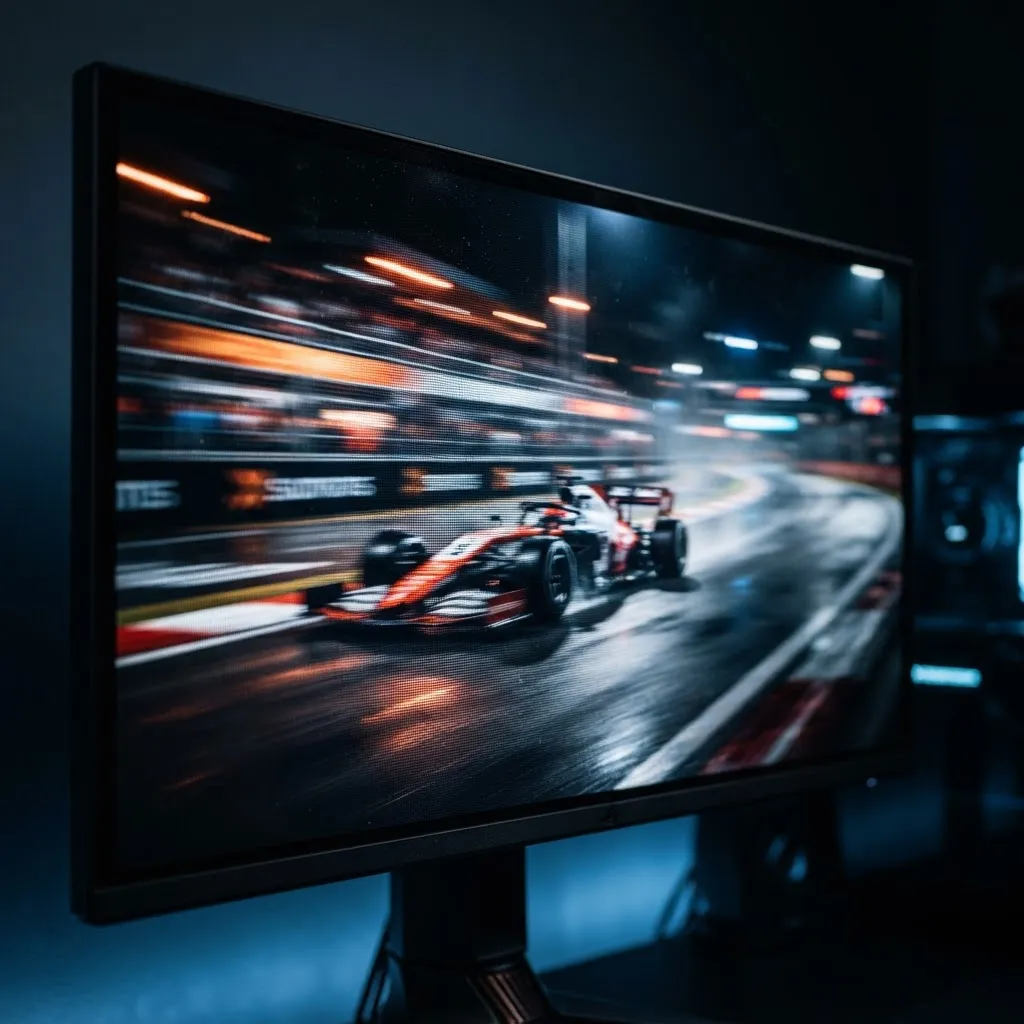
The practical hierarchy:
- Competitive shooters — 240Hz is worth it, because these titles are lighter and frame generation works well in them.
- Single-player AAA with ray tracing — 120Hz to 144Hz is realistically your ceiling; spend the saved money on contrast instead.
- Strategy, sim, and creative work — 144Hz is already beyond the point of diminishing returns.
According to Google's Core Web Vitals research, users perceive interactions as instantaneous below roughly 100 milliseconds of delay. Frame pacing follows a similar perceptual curve: the jump from 60Hz to 120Hz is dramatic and obvious, while 144Hz to 240Hz is a refinement most players notice only in fast horizontal camera pans. Buy the first jump; treat the second as a bonus.
The GPU Reality Check for 4K in 2026
4K is four times the pixels of 1080p, and that cost lands entirely on the GPU. Modern upscaling has changed the maths but not eliminated it.
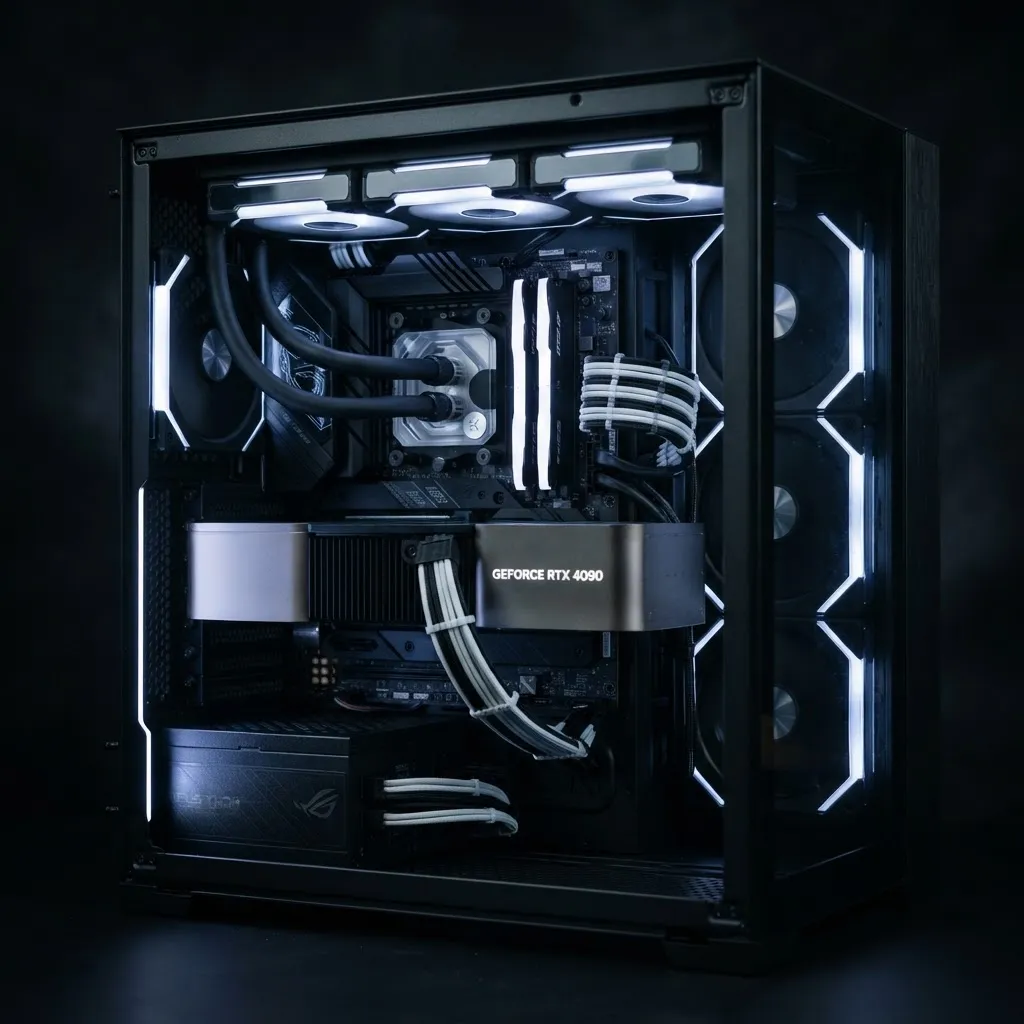
A realistic pairing guide:
- Entry GPUs (8GB VRAM): 4K at 60Hz with quality upscaling, or 1440p native. A 144Hz 4K panel still helps here because of variable refresh rate smoothness.
- Mid-range GPUs (12 to 16GB VRAM): 4K at 100 to 144fps with upscaling in most titles. This is the tier where a 4K monitor genuinely makes sense.
- High-end GPUs (16GB+ VRAM): 4K at 144 to 240fps with upscaling and frame generation. Only here does a 240Hz 4K OLED get fully used.
One underrated point: VRAM matters more than raw shader performance at 4K, because texture buffers scale with resolution. A card with strong compute but only 8GB of VRAM will stutter in 4K texture-heavy games while showing acceptable average framerates — which is exactly why average fps benchmarks mislead 4K buyers. Check 1 percent low framerates instead.
OLED Burn-In in 2026: The Honest Assessment
Burn-in is real, rare, and manageable. Extended third-party longevity testing has consistently shown that OLED panels running varied content for typical consumer hours show no objectionable retention within normal warranty periods, while panels displaying static high-brightness elements for thousands of hours do eventually show wear.
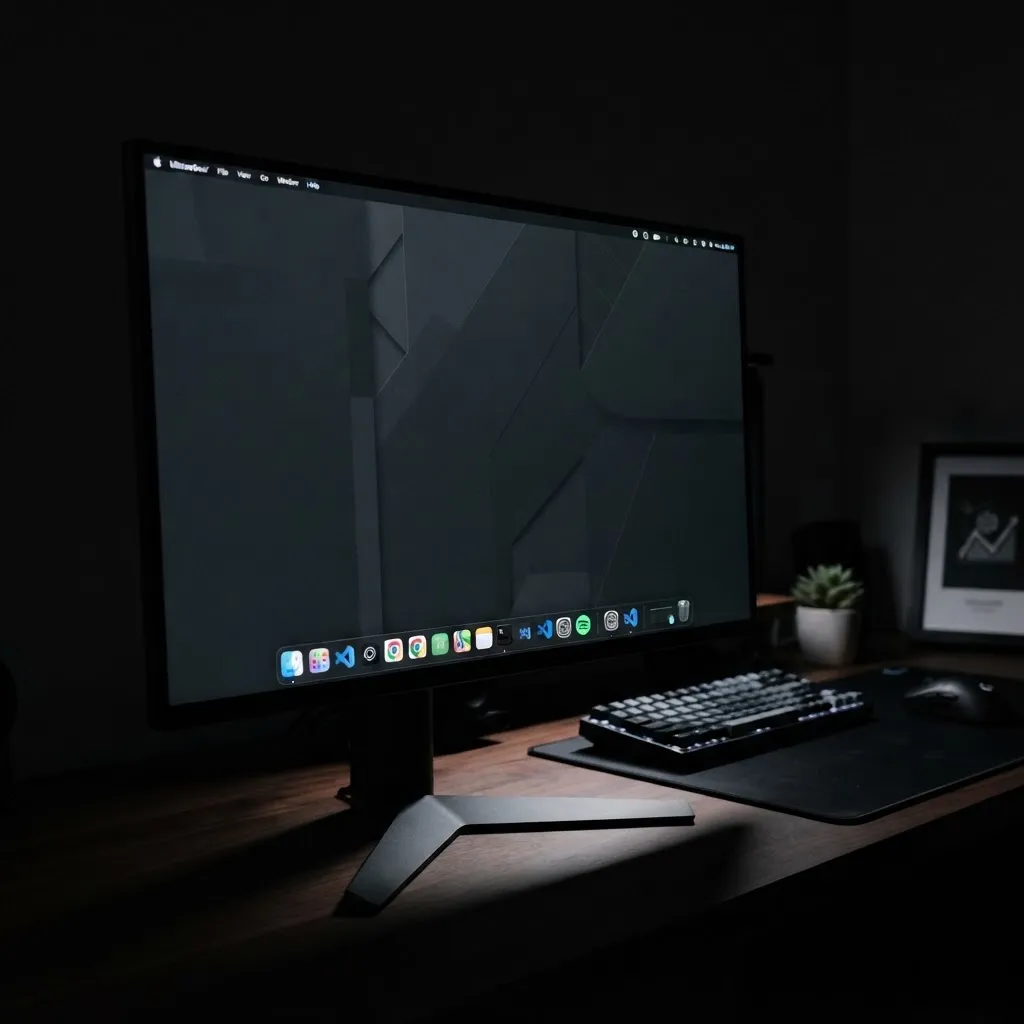
Practical protection steps that take five minutes to set up:
- Set Windows taskbar to auto-hide and use a dark desktop theme.
- Set display sleep to 5 minutes and never use a bright static screensaver.
- Enable the monitor's pixel shift and logo-dimming features in the OSD.
- Run the built-in panel refresh cycle when prompted — do not dismiss it repeatedly.
- Keep SDR brightness moderate; brightness is the primary accelerant of pixel wear.
If your workflow involves a fixed dashboard, IDE, or spreadsheet on screen eight hours a day, buy IPS. If the monitor is primarily for games, video, and browsing, OLED risk is low enough to ignore with the steps above.
Connectivity and Features That Matter
Ports decide whether your monitor still works with your next console or GPU.
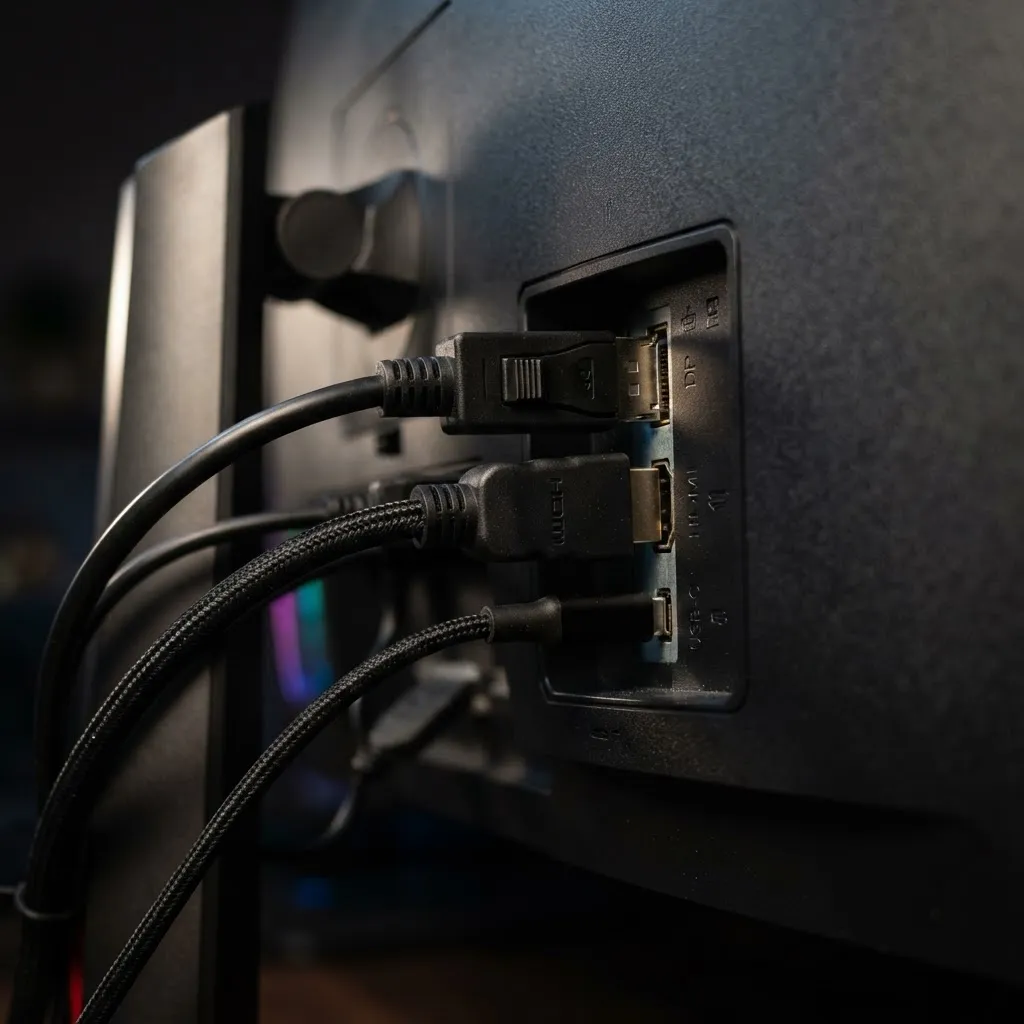
- HDMI 2.1 (48Gbps): Mandatory for 4K 120Hz on current consoles. Verify full bandwidth, not the label alone.
- DisplayPort 2.1 or 1.4 with DSC: Required for 4K at 240Hz from a PC.
- USB-C with DP Alt Mode and 65W+ power delivery: Turns the monitor into a one-cable laptop dock.
- KVM switch: Genuinely useful if you run a work laptop and a gaming PC on one desk.
- VESA 100x100 mount: Always confirm it. Stock stands waste depth on small desks.
One spec to ignore: contrast ratios quoted without a measurement method, and "1ms" claims without specifying GtG or MPRT. Teams that build performance-critical interfaces — the same discipline applied at ZoneTechify and WebPeak when optimising rendering pipelines — learn quickly that unqualified numbers are marketing, not measurement.
Screen Size and Pixel Density: 27 vs 32 Inches
At 4K, 27 inches yields about 163 PPI and 32 inches about 138 PPI. Both are sharp. The real difference is scaling behaviour: 27-inch 4K almost always needs 125 to 150 percent scaling for comfortable text, which means you gain sharpness but not workspace. A 32-inch 4K panel is usable at 100 percent scaling for many people, delivering a genuine productivity gain alongside gaming.
Our recommendation: if the monitor is purely for gaming and sits close, choose 27 inches. If it doubles as a work display, choose 32 inches. Anything larger than 32 inches flat at 4K starts requiring head movement to track the edges of a game HUD.

Key Takeaways
- Room lighting decides the panel type. OLED wins in dark rooms; mini-LED or Fast IPS wins in bright rooms because ambient light collapses OLED's contrast advantage.
- 4K Fast IPS at 144Hz between 300 and 350 USD is the best value in 2026, and beats a poorly matched OLED for mixed work-and-play use.
- 240Hz at 4K only pays off with a high-end GPU using upscaling and frame generation; the 60Hz-to-120Hz jump delivers far more perceived benefit than 144Hz to 240Hz.
- VRAM matters more than shader throughput at 4K. Judge GPUs by 1 percent low framerates, not averages.
- Burn-in is manageable, not mythical. Auto-hide the taskbar, use dark themes, moderate brightness, and buy only OLEDs with an explicit multi-year burn-in warranty.
- Verify full-bandwidth HDMI 2.1 and DisplayPort 1.4 with DSC before buying — port labels are frequently misleading.
Frequently Asked Questions (FAQ)
Is OLED or IPS better for 4K gaming in 2026?
OLED is better for image quality in dark or dim rooms thanks to per-pixel blacks and near-instant response times. IPS is better in bright rooms, for long static-content sessions, and for budgets under 550 USD. Room lighting and daily usage pattern matter more than the panel technology itself.
Do I need a 240Hz 4K monitor or is 144Hz enough?
For most players, 144Hz is enough. Native 4K at 240fps requires a high-end GPU plus upscaling and frame generation. If you mainly play single-player AAA games, put the money into contrast or panel quality instead. Competitive shooter players benefit most from 240Hz.
How much should I spend on a good 4K gaming monitor?
Expect 300 to 350 USD for a solid 144Hz Fast IPS panel, 400 to 600 USD for a 32-inch high-refresh IPS with real HDR600, and 700 to 1,000 USD for a 240Hz 4K OLED. Above 1,000 USD you are buying niche features, not better images.
Will my OLED monitor get burn-in from gaming?
Unlikely with normal gaming use. Burn-in comes from static bright elements displayed for thousands of hours, such as fixed taskbars or dashboards. Auto-hide the taskbar, use dark themes, keep brightness moderate, run panel refresh cycles, and choose a model with a burn-in warranty.
Is 27 inches or 32 inches better for a 4K monitor?
Choose 27 inches for pure gaming at close viewing distance, where 163 PPI looks exceptionally sharp. Choose 32 inches if the monitor doubles as a work display, since 138 PPI stays readable at 100 percent scaling and gives you real extra desktop workspace without scaling compromises.
Do I need HDMI 2.1 for a 4K gaming monitor?
Yes, if you connect a current-generation console, since 4K at 120Hz requires HDMI 2.1 bandwidth. For PC use, DisplayPort 1.4 with Display Stream Compression or DisplayPort 2.1 handles high refresh rates. Always verify the port offers full 48Gbps bandwidth rather than trusting the label.
Final Verdict
The best 4K gaming monitor in 2026 is not the brightest or fastest one — it is the one matched to your room and your GPU. Dark room, strong GPU, mostly gaming: buy a 4K 240Hz OLED and set up burn-in protections on day one. Bright room, mid-range GPU, or a monitor that also handles spreadsheets and code: buy a 4K Fast IPS at 144Hz and spend the difference on the GPU, which is where framerate actually comes from. Get that pairing right and the panel debate stops mattering the moment you start playing.