Learn how to build a compelling artificial intelligence chatbot PPT, including the essential slides, architecture diagrams, use cases, ROI data, and design tips.
Artificial Intelligence Chatbot PPT
Building an artificial intelligence chatbot PPT is one of the fastest ways to explain a complex technology to people who do not write code for a living. Whether you are pitching a chatbot to company stakeholders, teaching students in a classroom, or training a customer support team, a well-structured presentation turns abstract machine learning ideas into a clear, persuasive story. After preparing dozens of these decks for real product launches, I have learned that the difference between a forgettable slideshow and a deck that gets budget approved comes down to structure, evidence, and visuals. This guide walks you through exactly what to include, how to order each slide, and how to keep your audience nodding instead of checking their phones.
Quick Answer: An artificial intelligence chatbot PPT is a presentation that explains what AI chatbots are, how they work, their benefits, real use cases, and architecture. A strong deck covers clear definitions, the NLP workflow, business examples, ROI data, and future trends across roughly 10 to 15 focused slides.
What Is an Artificial Intelligence Chatbot?
An artificial intelligence chatbot is a software application that uses natural language processing (NLP) and machine learning to understand human language and respond in a conversational, human-like way. Unlike a basic rule-based bot that only follows pre-written scripts, an AI chatbot interprets intent, learns from past conversations, and improves its answers over time.
Your first content slide should define this term in plain language. Avoid jargon on slide one. A single sentence definition paired with a simple icon does more work than a paragraph of technical detail. Define the key terms early so the rest of your deck has a shared vocabulary to build on.
Why You Need a Strong AI Chatbot Presentation
The goal of an AI chatbot PPT is rarely just to inform. It is usually to convince someone to invest time, money, or trust into the technology. That is why presentation quality matters as much as the underlying idea.
According to research summarized by Gartner, chatbots are expected to become a primary customer service channel for roughly a quarter of organizations, which means decision-makers increasingly expect to see chatbot proposals presented professionally. A vague or cluttered deck signals a vague strategy. A clean, evidence-backed deck signals a team that understands both the technology and the business case.
If you want help producing polished, audience-ready slides and supporting copy, the content writing team at ZoneTechify regularly turns technical concepts into presentation-ready narratives.
Essential Slides Every AI Chatbot PPT Should Include
A winning deck follows a logical arc: define the problem, explain the technology, prove the value, and show what comes next. Use this slide sequence as a reliable template:
- Title slide with a clear topic and your name or brand.
- Definition slide explaining what an AI chatbot is.
- Problem slide describing the pain point your chatbot solves.
- How it works slide showing the NLP workflow.
- Architecture slide with a simple system diagram.
- Use cases slide featuring real industries.
- Benefits and ROI slide backed by data.
- Comparison slide (rule-based versus AI).
- Demo or screenshot slide showing the bot in action.
- Future trends slide to close on momentum.
- Summary and call-to-action slide.
Keep one core idea per slide. The most common mistake I see is cramming three concepts onto a single slide, which forces the audience to read instead of listen.
How AI Chatbots Actually Work
This is the slide that earns your credibility, so it deserves careful attention. AI chatbots follow a predictable processing pipeline, and visualizing it makes the technology feel approachable rather than magical.
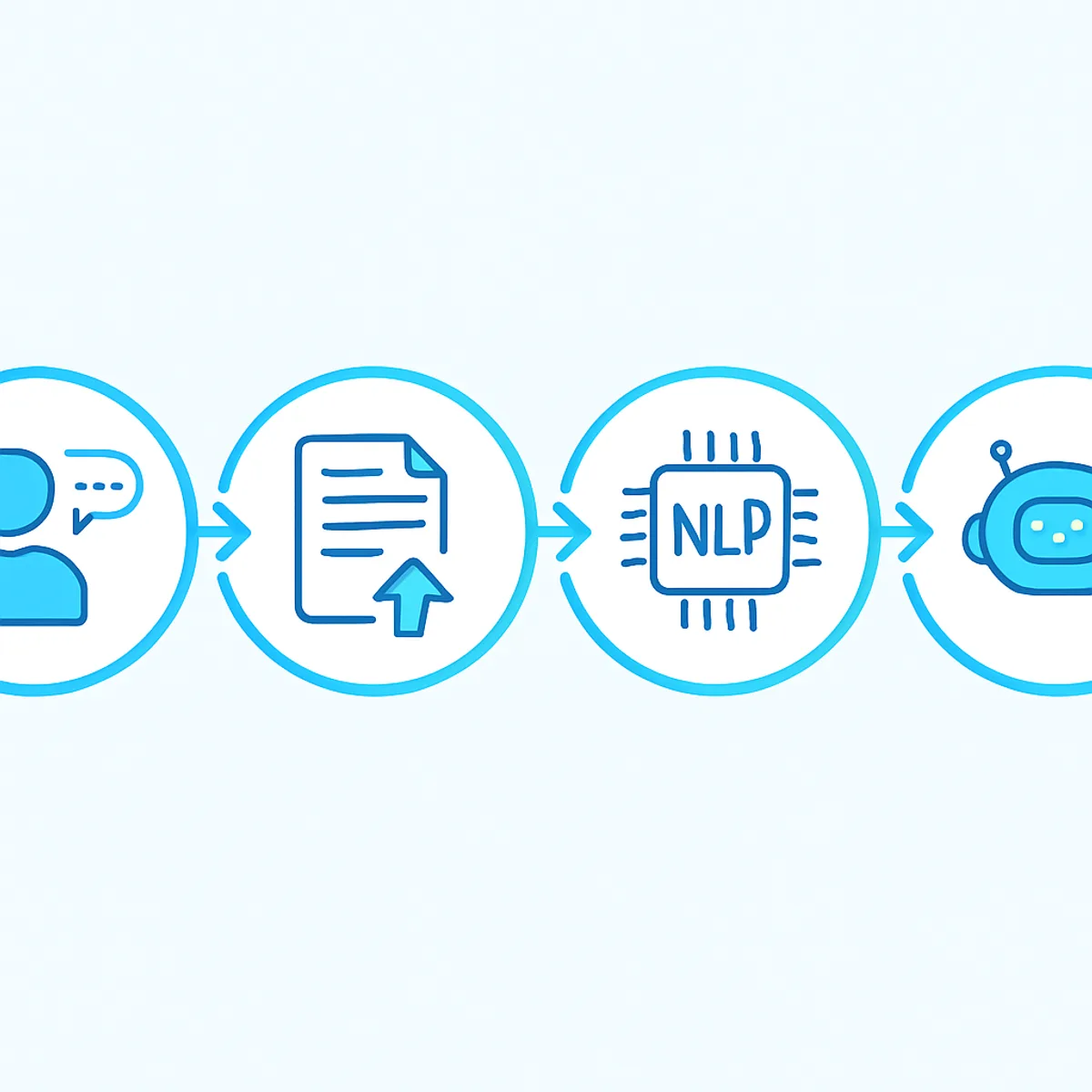
The typical workflow moves through five stages:
- Input capture — the user types or speaks a message.
- Natural language understanding — NLP breaks the message into intent and entities.
- Dialogue management — the system decides what response logic applies.
- Response generation — the bot creates a relevant reply, often using a language model.
- Learning loop — interactions are logged so the model improves over time.
When you present this, animate each step so it appears one at a time. Revealing the pipeline gradually keeps attention focused and prevents your audience from reading ahead.
Showing the Architecture Clearly
A system architecture slide reassures technical stakeholders that the solution is buildable. Keep it to four or five connected boxes: user channel, NLP engine, knowledge base or database, integration layer, and response delivery.
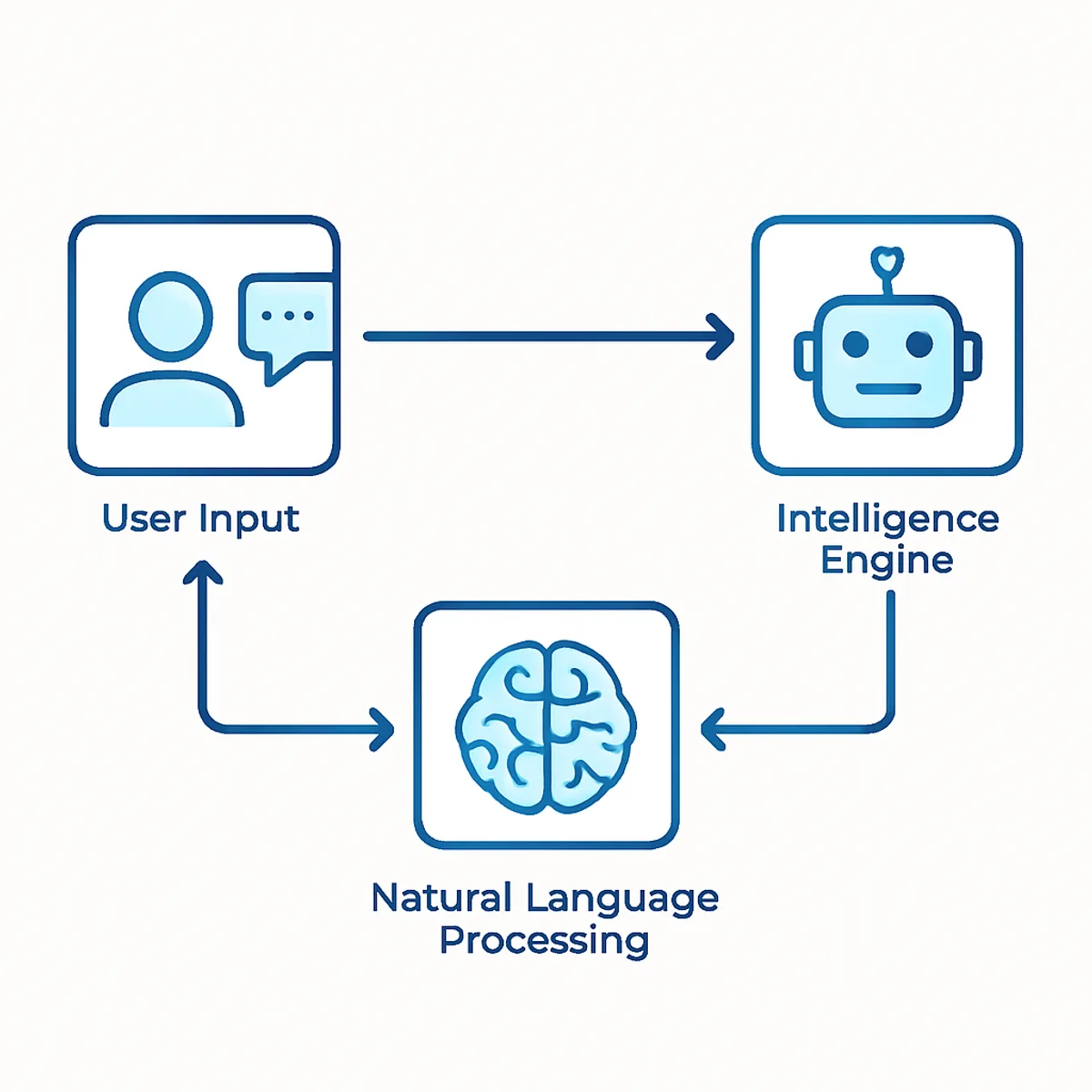
Resist the urge to show every microservice. A presentation diagram is a map, not a blueprint. If an engineer asks for detail, that is what your appendix slides are for.
Real-World Use Cases to Feature
Abstract capability slides rarely persuade. Concrete examples do. Dedicate a slide to industries where AI chatbots already deliver measurable value, because relatable scenarios help your audience picture their own use case.
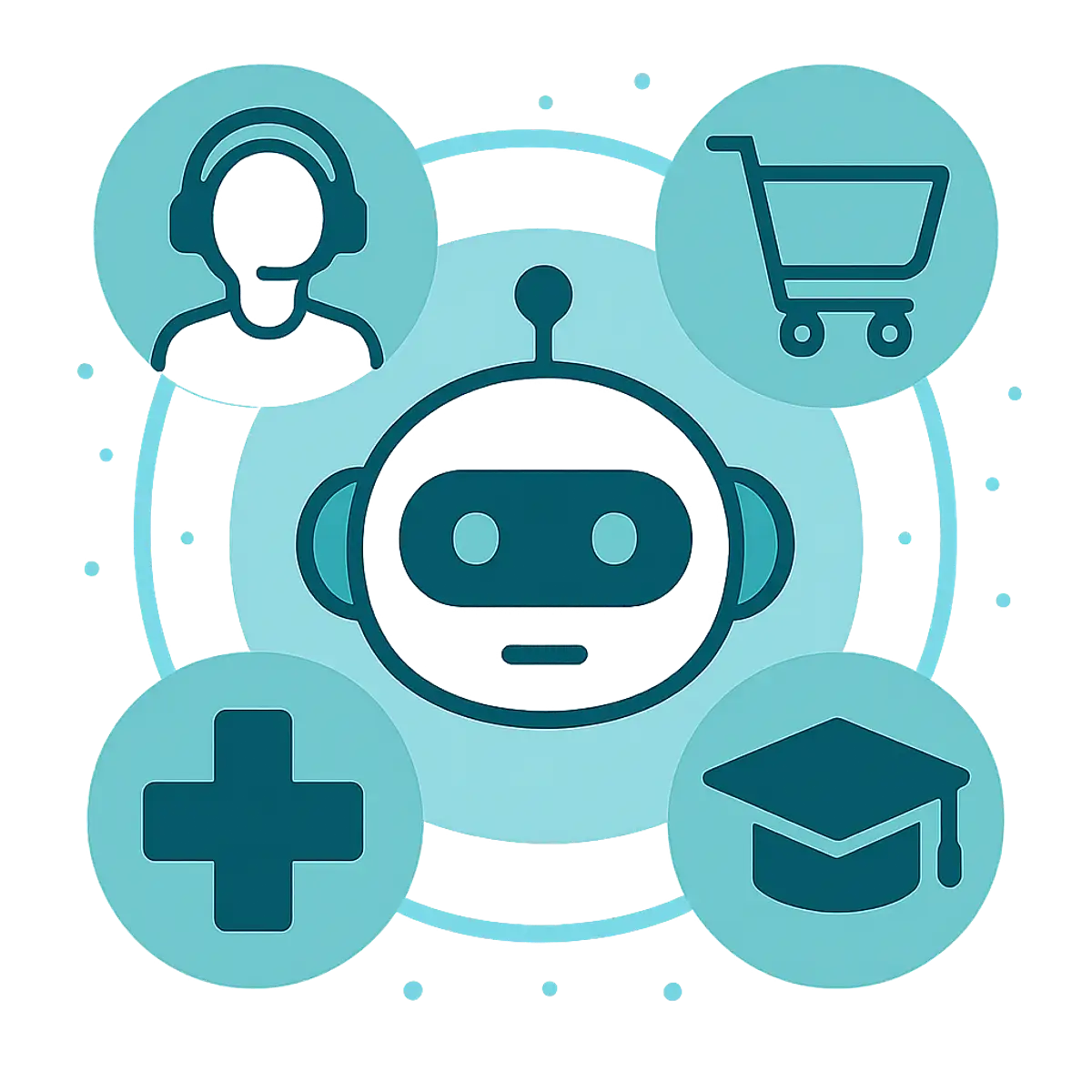
Strong examples to highlight include:
- Customer support — instant answers to common questions, 24 hours a day.
- E-commerce — product recommendations and order tracking.
- Healthcare — appointment scheduling and symptom triage.
- Education — tutoring assistants and enrollment guidance.
- Banking — balance checks, fraud alerts, and account help.
- Human resources — onboarding answers and leave requests.
For each use case, add one short outcome statement, such as reduced wait times or higher resolution rates. Outcomes sell; features only describe.
Benefits and ROI: The Data Slide
Decision-makers approve budgets based on returns, so your benefits slide must include numbers, not adjectives. According to IBM, businesses that deploy chatbots can reduce customer service costs by up to 30 percent, a statistic that instantly reframes the bot as an investment rather than an expense.
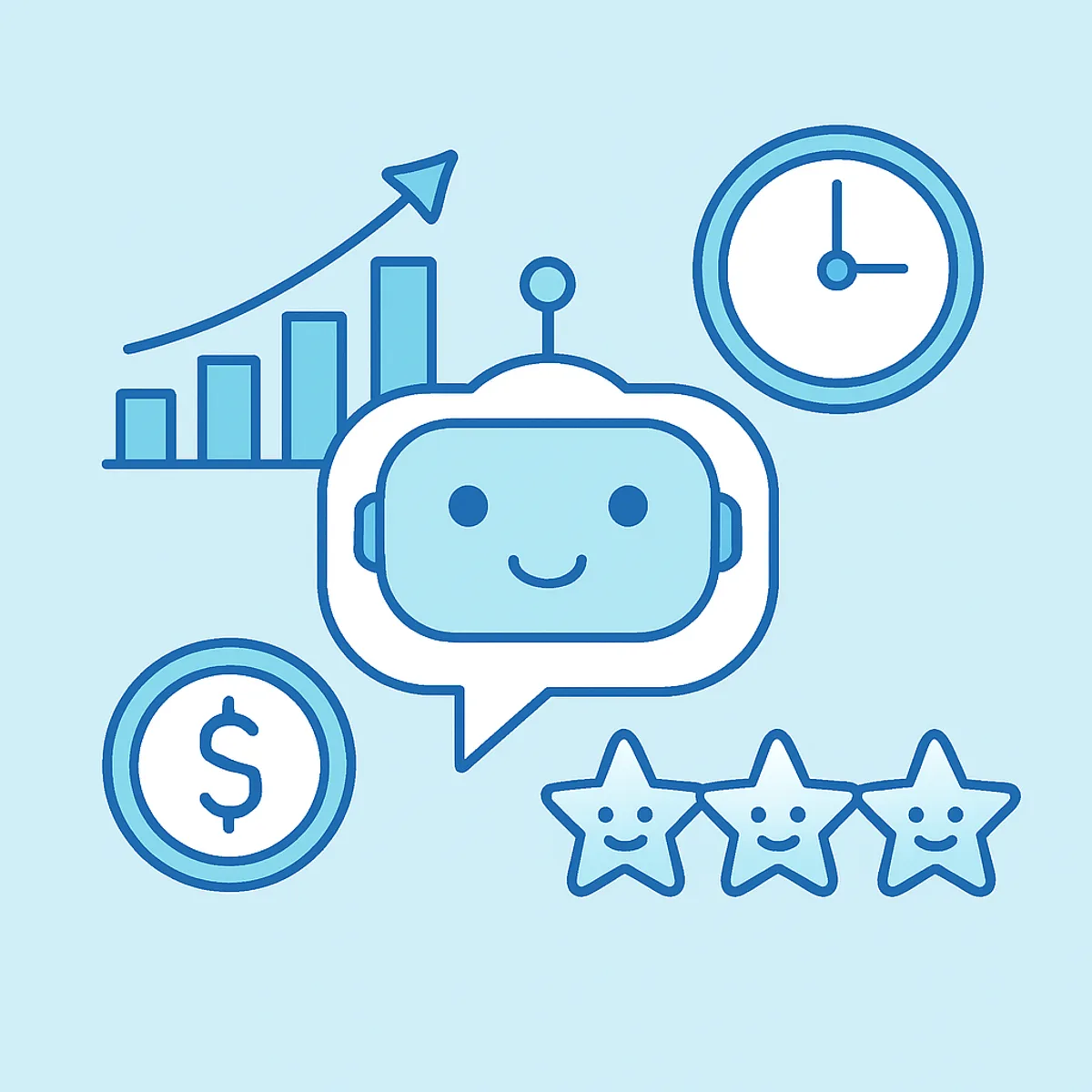
Focus on benefits that map directly to business goals: lower operational costs, faster response times, around-the-clock availability, consistent answers, and scalable support during demand spikes. Pair each benefit with a metric whenever you can, even if it is an internal estimate clearly labeled as a projection.
A comparison table is one of the most persuasive elements you can add, because it lets the audience evaluate options at a glance:
| Feature | Rule-Based Chatbot | AI Chatbot |
|---|---|---|
| Understands natural language | No | Yes |
| Learns and improves over time | No | Yes |
| Handles unexpected questions | Limited | Strong |
| Setup complexity | Low | Moderate |
| Long-term scalability | Limited | High |
| Maintenance effort | High | Lower over time |
This single table often replaces three slides of explanation, and it gives your audience a clear, memorable reason to choose the AI approach.
How to Design an AI Chatbot PPT That Stands Out
Great content can still fail if the design is noisy. Presentation design is about reducing cognitive load so the message lands.
Follow these practical design rules:
- Use one idea per slide and a short headline that states the takeaway.
- Limit text to six lines so people listen instead of read.
- Stick to two fonts and three colors for a consistent, professional look.
- Replace bullet walls with diagrams, icons, and simple charts.
- Use high-contrast visuals so slides stay readable from the back of a room.
- End every section with a one-line summary the audience can repeat.
Consistency is the quiet secret of credible decks. When spacing, color, and typography stay uniform, your audience trusts the substance more. Teams that need a fully branded, design-led deck can explore the AI services offered by WebPeak to align the technology story with strong visuals.
The Future of AI Chatbots
Close your presentation on forward momentum. The future trends slide leaves the audience excited rather than merely informed, and it positions your project as part of a larger movement.
Highlight emerging directions such as multimodal chatbots that understand text, voice, and images together; deeper personalization driven by customer data; voice-first assistants integrated into everyday devices; and proactive bots that reach out before a user even asks. Frame these trends as opportunities your organization can capture early, not distant science fiction.
To learn more about building and deploying conversational AI in production, the artificial intelligence services at ZoneTechify cover everything from strategy to implementation, and you can explore more resources at ZoneTechify and WebPeak.
Key Takeaways
- An AI chatbot PPT should move from definition to workflow to value to future trends across 10 to 15 focused slides.
- AI chatbots use NLP and machine learning to understand intent, unlike rule-based bots that only follow scripts.
- According to IBM, chatbots can cut customer service costs by up to 30 percent, making them an investment, not just an expense.
- Gartner research indicates chatbots are becoming a primary customer service channel for a growing share of organizations.
- One idea per slide, supported by diagrams and data, consistently outperforms text-heavy slides.
Frequently Asked Questions (FAQ)
What should an artificial intelligence chatbot PPT include?
It should include a clear definition, the problem being solved, how the chatbot works using NLP, a simple architecture diagram, real use cases, benefits with ROI data, a rule-based versus AI comparison, a demo, future trends, and a closing call to action.
How many slides should an AI chatbot presentation have?
Aim for 10 to 15 slides for most audiences. This range is long enough to cover definitions, workflow, use cases, and data, yet short enough to hold attention. Move detailed technical content into appendix slides you can reference only if someone asks.
How do I explain how an AI chatbot works in a presentation?
Use a five-step visual workflow: input capture, natural language understanding, dialogue management, response generation, and a learning loop. Reveal each step one at a time and avoid heavy jargon. A clear diagram explains the process far better than dense paragraphs of text.
What is the difference between a rule-based bot and an AI chatbot?
A rule-based bot follows fixed scripts and cannot handle unexpected questions, while an AI chatbot uses machine learning and NLP to understand intent, manage new questions, and improve over time. AI chatbots scale better and feel more natural, though they need more setup initially.
How can I make my AI chatbot PPT more convincing to stakeholders?
Focus on outcomes and data rather than features. Include real cost-saving statistics, a clear comparison table, and concrete industry use cases. Keep each slide to one idea, use clean visuals, and close with future trends so stakeholders see both immediate value and long-term opportunity.