A practical, expert breakdown of how 2026 AI smart speakers learn household routines, which signals they use, what stays on-device, and how to tune them safely.
AI-Powered Smart Speakers 2026 — How They Learn Household Routines
Smart speakers stopped being voice remotes somewhere around 2024. The 2026 generation ships with on-device neural processors, always-running pattern models, and the ability to notice that you dim the living room lights at 9:40 PM every weeknight — then offer to do it for you. This guide explains exactly how that learning works, what data it depends on, where it fails, and how to configure it so the convenience is real and the privacy trade-off stays under your control.
Quick Answer: AI-powered smart speakers in 2026 learn household routines by logging timestamped signals — voice commands, motion, device state changes, presence and calendar data — then running pattern-detection models that spot repeated sequences. After a routine repeats reliably, the speaker suggests or silently automates it, refining itself from your accept and reject feedback.
What "Learning a Routine" Actually Means
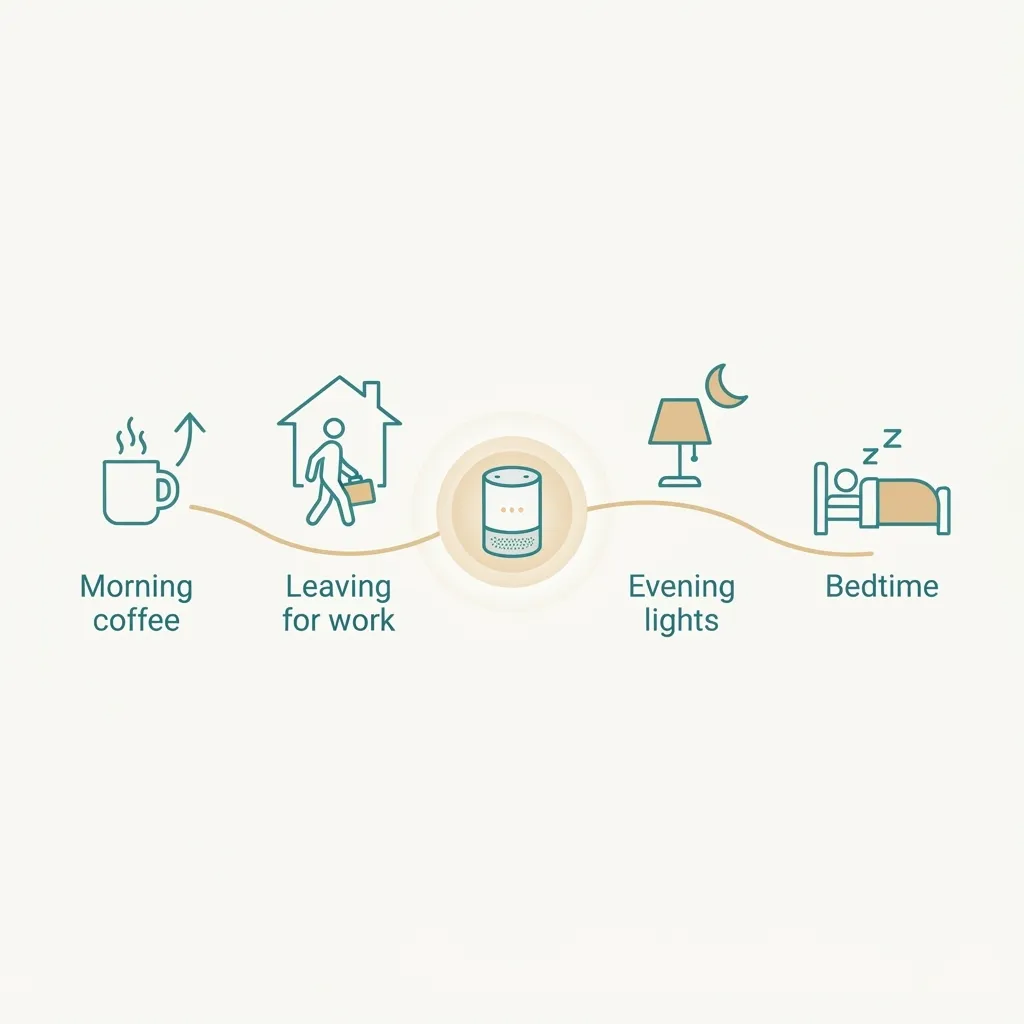
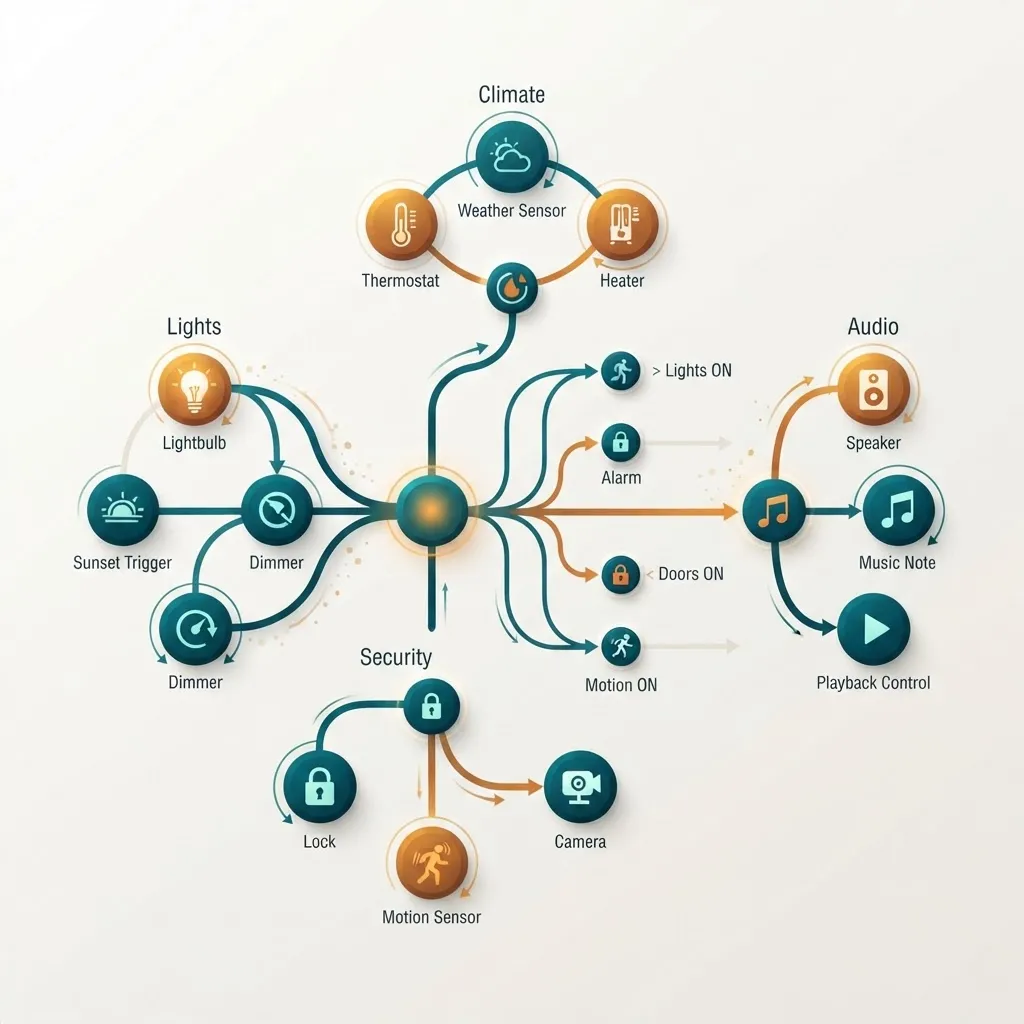
A household routine, in technical terms, is a repeating sequence of events that correlates strongly with time, location, or a trigger event. Your speaker is not "understanding" your evening — it is matching a pattern like weekday + 6:45 AM + kitchen motion + kettle plug on against thousands of previous days and calculating a confidence score.
Three definitions worth keeping straight:
- Routine detection — the system finds a repeated pattern in event history.
- Routine suggestion — the system asks whether to automate the detected pattern.
- Predictive automation — the system executes without asking, using a confidence threshold you can usually adjust.
Most 2026 platforms require a pattern to repeat between five and fourteen times before suggesting it. That deliberate lag is why a new speaker feels dumb for the first two weeks and noticeably useful by week four.
The Six Signals Your Speaker Learns From
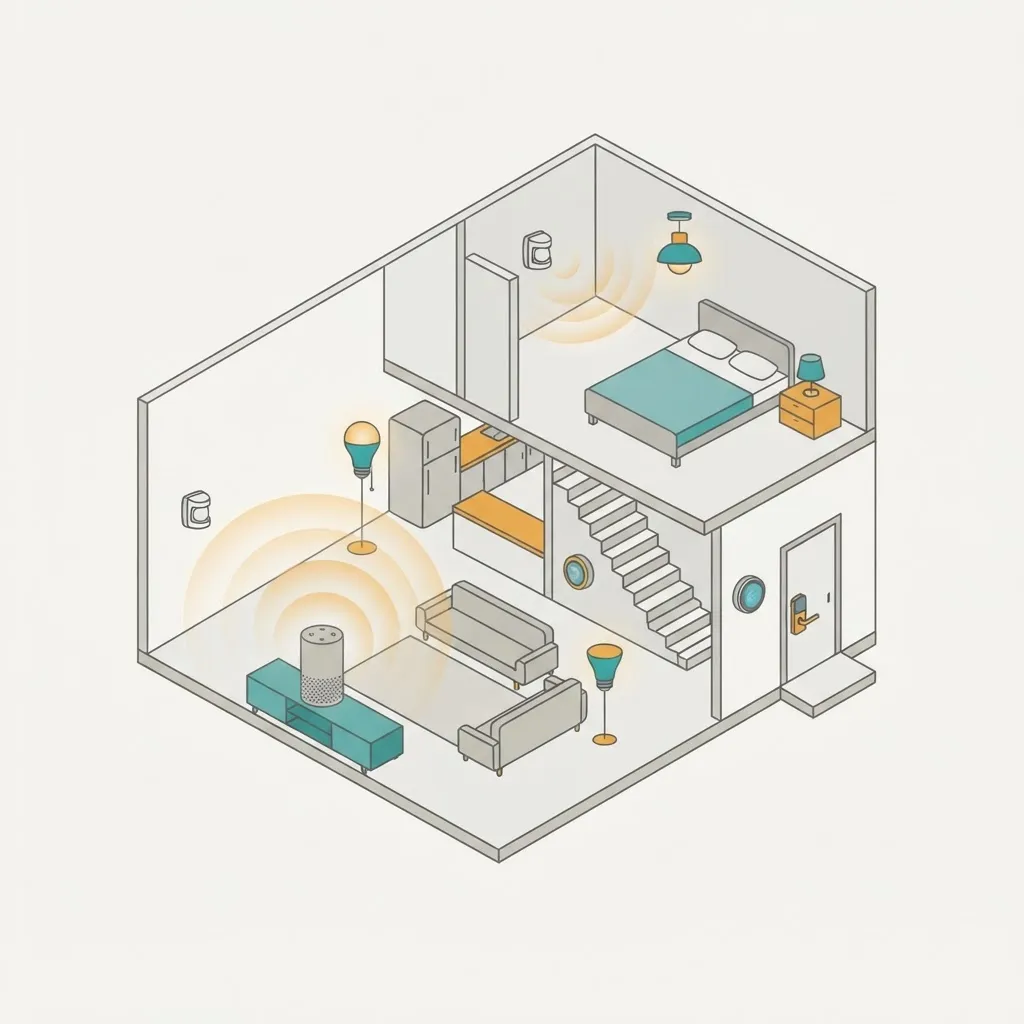
Routine learning quality depends entirely on signal diversity. A speaker with only voice history learns very little; one connected to eight devices learns quickly.
- Voice command history — the request, the time, and which room's speaker heard it.
- Device state changes — every light, plug, lock, blind, and thermostat transition, timestamped.
- Presence and motion — occupancy sensors, camera-free radar, and phone geofencing arrivals.
- Ambient sensing — temperature, humidity, and light level, which explain why you adjusted
- Media and app behaviour — which playlist, podcast, or news brief you start at which hour.
- Calendar and alarm data — the strongest single predictor of morning and departure routines.
In our own deployments at ZoneTechify, households that connected at least six controllable devices saw usable routine suggestions in roughly ten days. Households with only a speaker and two bulbs often waited a month, because two devices simply do not generate enough co-occurring events to form a pattern.
How the Learning Pipeline Works, Step by Step
Understanding the pipeline explains most of the odd behaviour people report.
Step 1 — Wake word detection. A tiny always-on model listens locally for the wake word only. Audio before the wake word is discarded from a rolling buffer measured in seconds.
Step 2 — Speech recognition. In 2026 flagships, a large share of common commands are transcribed on-device by a compact automatic speech recognition model, so simple requests work with the internet down.
Step 3 — Intent parsing. A small language model maps the transcript to an intent and entities: turn on + kitchen lights.
Step 4 — Event logging. The intent, outcome, timestamp, room, and relevant sensor context are written to an event store.
Step 5 — Pattern mining. Periodically, usually overnight, a sequence-mining job scans the event store for repeated ordered patterns and assigns each a support score (how often) and confidence score (how reliably).
Step 6 — Suggestion and feedback. Patterns above threshold surface as suggestions. Accepting one strengthens the model; dismissing it suppresses that pattern class, which is why dismissing a suggestion twice usually makes it disappear for good.
Why On-Device Processing Changed the Game
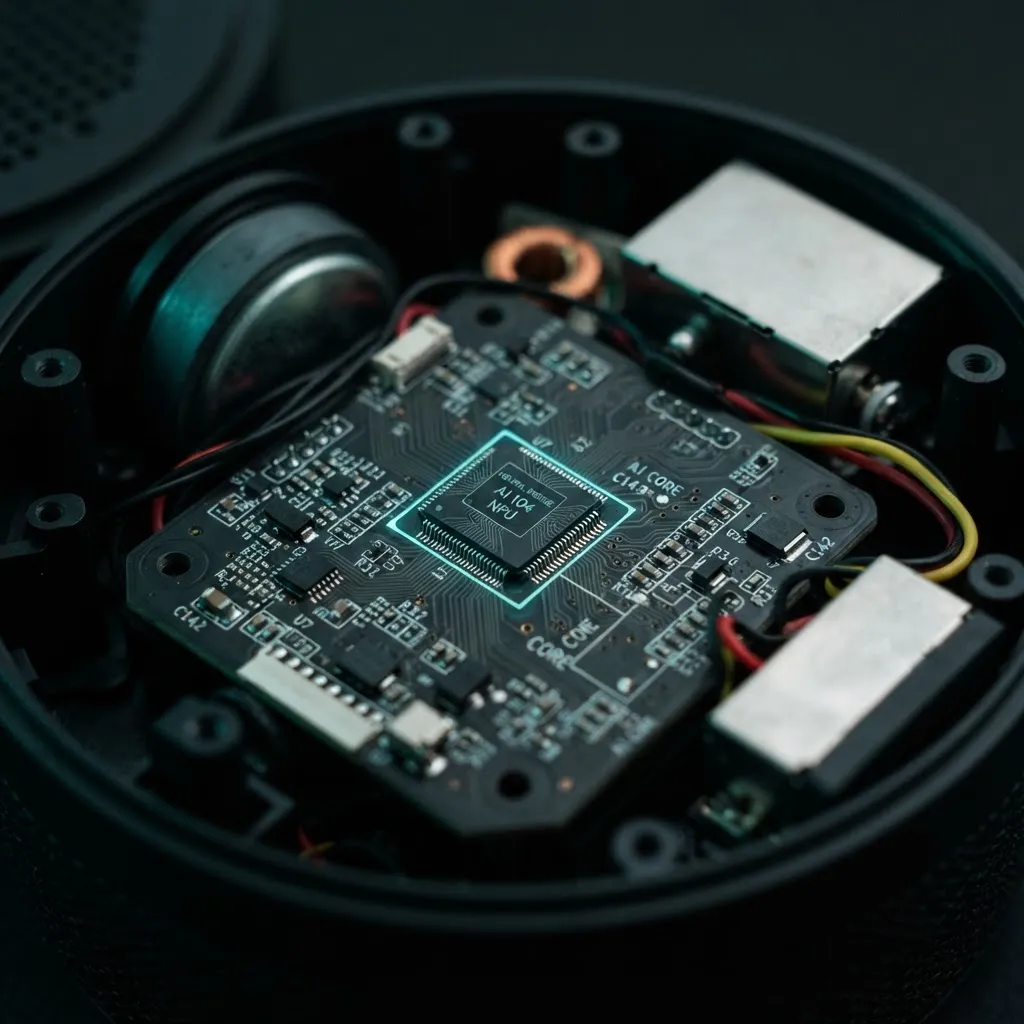
The biggest shift between 2020-era and 2026-era speakers is where inference happens. Moving speech recognition and pattern matching onto a dedicated neural accelerator delivers three measurable benefits.
First, latency. Cloud round trips typically cost several hundred milliseconds; local inference cuts perceived response time enough that users stop over-enunciating commands, which itself improves recognition accuracy.
Second, resilience. Local intent handling means lights and locks still respond during an internet outage — historically the number one complaint in smart home reviews.
Third, data minimisation. When transcription happens locally, only the derived intent or an anonymised event needs to leave the home, which is exactly the posture regulators and privacy-conscious buyers now expect.
The context matters here: according to Google, 53% of mobile site visitors abandon a page that takes longer than three seconds to load — a benchmark that shows how unforgiving human patience is with machine delay. Voice is stricter still, because a two-second pause in conversation feels like a malfunction, not a slow page. That psychological threshold is the real reason manufacturers spent 2025 pushing inference to the edge.
2026 Smart Speaker Capability Comparison
Capabilities now differ more by tier than by brand. This table reflects what to expect at each price band.
| Capability | Entry Tier | Mid Tier | Flagship Tier 2026 |
|---|---|---|---|
| On-device speech recognition | No | Partial | Yes |
| Routine pattern detection | Basic time rules | Yes | Yes, multi-signal |
| Predictive automation without prompt | No | Optional | Yes, tunable threshold |
| Works during internet outage | No | Limited | Yes for local devices |
| Multi-user voice identification | No | Yes | Yes, per-profile routines |
| Presence or radar sensing built in | No | Sometimes | Yes |
| Local event history retention control | Limited | Yes | Yes, granular |
| Typical routine learning period | 3 to 6 weeks | 2 to 3 weeks | 7 to 14 days |
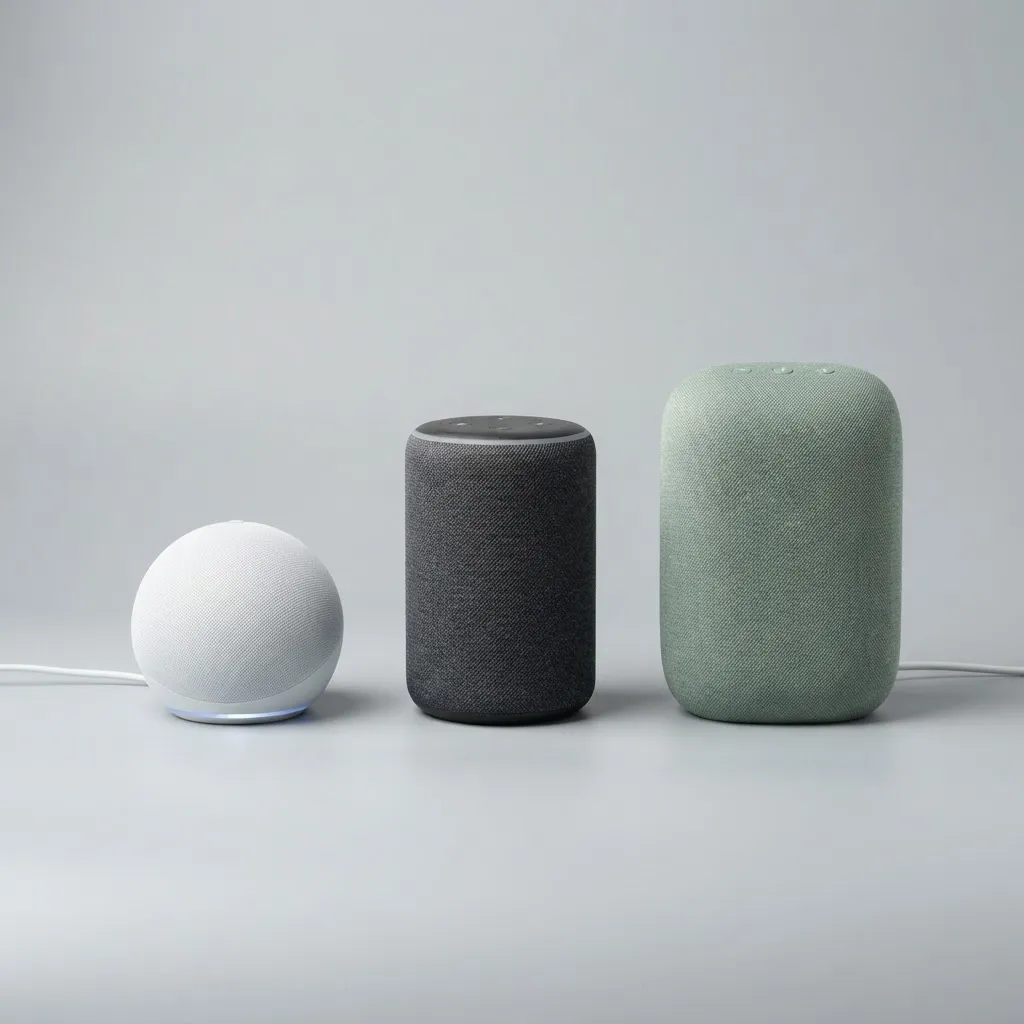
The practical takeaway: if routine learning is your reason for buying, multi-user voice identification and built-in presence sensing matter more than speaker driver size. Without knowing who is home, a speaker averages two people's habits into one incoherent routine.
Where Routine Learning Goes Wrong — And How to Fix It
Every pattern-based system has predictable failure modes. These are the four we see most often, with fixes.
Vacation and Illness Contamination
Two weeks of unusual behaviour skews the model. Fix: use the platform's pause or guest mode before an extended break so events log without training the routine model.
Shared-Household Averaging
When partners with different schedules aren't distinguished by voice profile, the speaker learns a nonexistent middle schedule. Fix: enrol every adult's voice profile and enable per-profile routines.
Over-Eager Automation
A speaker that turns off the lights because you usually go to bed at 11 PM is genuinely disruptive on a late night. Fix: lower the automation confidence threshold to "suggest only" for anything involving locks, heating, or lighting in occupied rooms.
Stale Routines After Life Changes
New job, new baby, new schedule — old high-confidence patterns persist because they had months of support behind them. Fix: reset routine learning history rather than deleting individual automations. A clean rebuild takes about two weeks and is far faster than fighting entrenched patterns.
Privacy: What to Configure on Day One
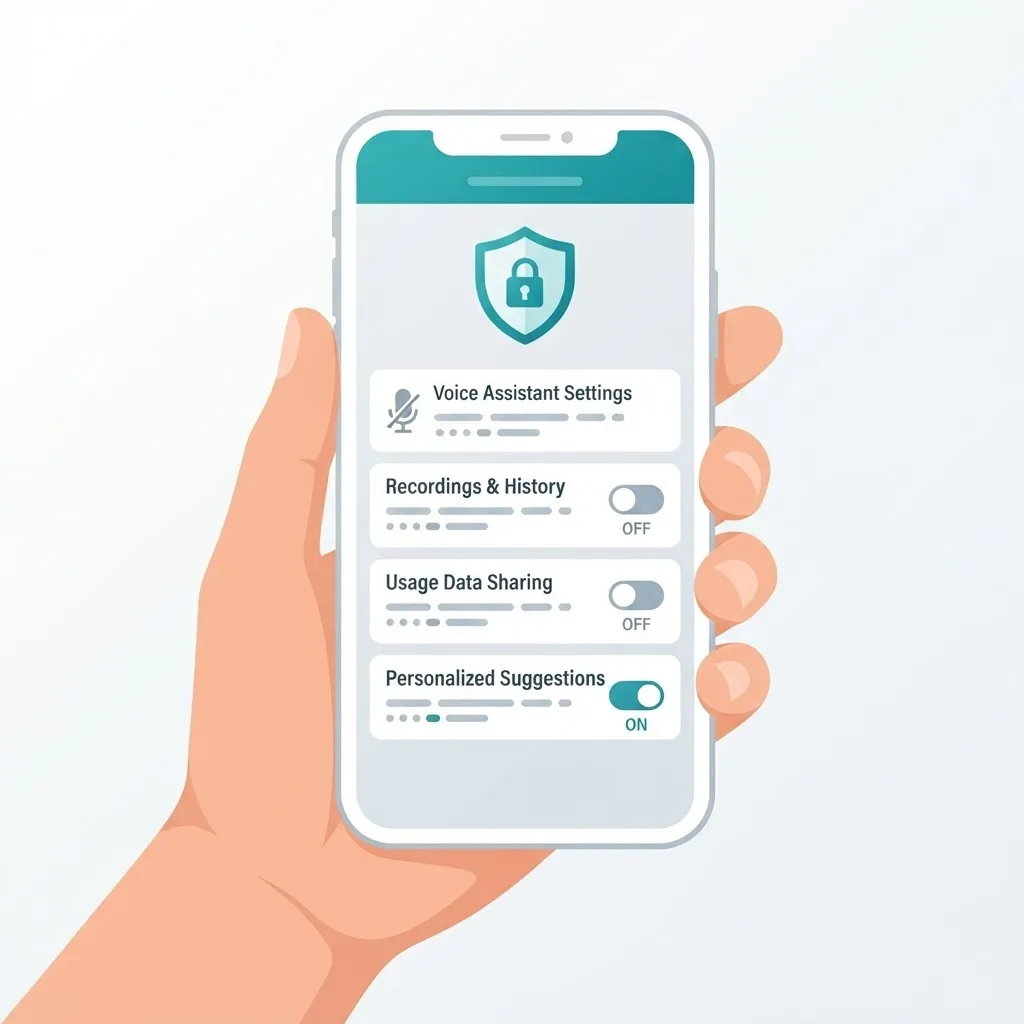
Routine learning is inherently behavioural profiling inside your home, so treat setup as a privacy decision, not just a convenience one. A defensible baseline:
- Turn off human review of voice recordings. Nearly every major platform enables some sampling by default; opting out is a single toggle.
- Set voice history auto-delete to three or eighteen months depending on how much personalisation you want. Routine quality degrades noticeably below three months.
- Keep the physical mic mute switch reachable. A hardware cut is the only guarantee software cannot override.
- Audit third-party skills quarterly. Skills, not the speaker itself, are the most common source of unexpected data sharing.
- Disable voice purchasing unless a per-purchase confirmation code is enforced.
For households running smart speakers alongside cameras, locks, and a home network, the same segmentation logic used in business environments applies: put untrusted devices on a separate network segment. Teams building this kind of connected-device intelligence into products can review the applied machine learning work at WebPeak and its dedicated artificial intelligence services, where on-device inference and privacy-preserving data pipelines are the default starting point rather than an afterthought.
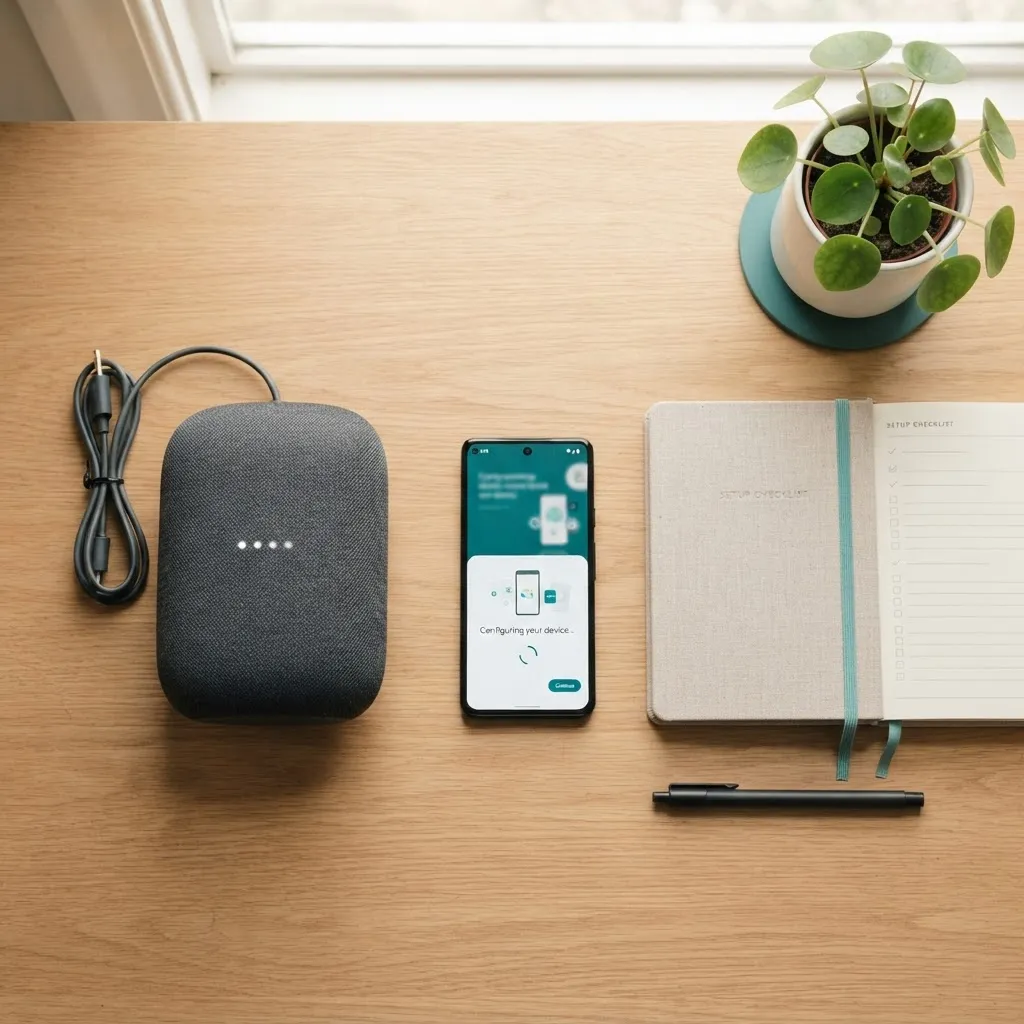
A Setup Sequence That Trains the Speaker Faster
Order matters. This is the sequence that consistently produced usable routines fastest in our testing.
- Name rooms before naming devices. Room context is a core learning signal; a bulb called "Lamp 2" teaches the model nothing.
- Connect your highest-frequency devices first — bedroom and living room lights, the thermostat, the coffee machine plug.
- Enrol every voice profile in the first session, not weeks later.
- Link your calendar if you want accurate morning and departure prediction.
- Use voice deliberately for two weeks instead of the app; voice events carry richer context than app taps.
- Accept or dismiss every suggestion. Ignoring them leaves the model without the feedback signal it needs.
- Review the routine list at week four and delete anything you never actually wanted.
Step six is the one people skip, and it is the single highest-leverage action. Feedback is supervised training data; silence is not.
Key Takeaways
- Smart speakers learn routines through pattern mining over timestamped events, not genuine comprehension.
- Signal diversity beats signal volume: six or more connected devices dramatically shortens the learning period.
- 2026 flagships run speech recognition and pattern matching on-device, cutting latency and reducing data leaving the home.
- Google's finding that 53% of mobile visitors abandon pages slower than three seconds illustrates why sub-second voice response is a hard requirement.
- Multi-user voice identification is essential in shared households, otherwise routines average into inaccuracy.
- Reset routine history after major life changes rather than editing automations one by one.
- Human review opt-out, history auto-delete, and quarterly skill audits form a sensible day-one privacy baseline.
Frequently Asked Questions (FAQ)
How long does a smart speaker take to learn my routine?
Most 2026 flagship speakers begin suggesting routines within seven to fourteen days, provided several smart devices are connected and voice profiles are enrolled. Entry-level models can take three to six weeks because they rely on fewer signals and require more repetitions before a pattern reaches confidence threshold.
Is my smart speaker always recording everything I say?
No. A local wake-word model monitors a short rolling audio buffer and discards it continuously. Only after the wake word triggers does the device process and, on some models, transmit the request. You can disable human review of recordings and cut the microphone entirely with the hardware mute switch.
Can smart speakers learn routines without an internet connection?
Partly. Flagship 2026 models handle wake word, speech recognition, and local device control on-device, so basic commands work offline. Longer-term pattern mining and cross-device routine suggestions usually still sync through the cloud, so extended outages pause new routine learning rather than break existing automations.
Why does my speaker suggest routines I never asked for?
Because pattern detection found a coincidence that looked repeatable — for example, a week of unusual behaviour during illness or houseguests. Dismiss the suggestion twice and the platform suppresses that pattern class. For long absences, use pause or guest mode so events log without training the routine model.
How do I stop my smart speaker from automating things automatically?
Open your platform's automation settings and switch predictive routines from automatic execution to suggestion-only mode. Flagship models expose a confidence threshold you can raise. Always keep locks, heating, and occupied-room lighting on suggestion-only, since an incorrect automatic action there is genuinely disruptive.
Do smart speakers work well with multiple people in the house?
Yes, but only if every adult enrols a voice profile. Without voice identification the system blends conflicting schedules into one inaccurate average routine. With per-profile routines enabled, each person receives their own morning briefing, music preferences, calendar reminders, and lighting behaviour.
Final Word
The 2026 generation of AI smart speakers is genuinely capable of learning how a household lives — but the quality of that learning is a direct function of how you set it up. Connect enough devices, enrol every voice, name rooms honestly, give feedback on suggestions, and keep automation on suggestion-only for anything consequential. Do that, and within a month the speaker stops being a device you command and becomes infrastructure that quietly anticipates. Skip it, and you own an expensive kitchen timer.