A practical, expert guide to how AI image generator apps work, which features actually matter, how to write prompts that deliver, and where these tools still fall short.
AI Image Generator App
An AI image generator app turns a written description into a finished picture in seconds, directly on your phone or browser. What used to require a designer, a stock photo licence, or hours in Photoshop now happens through a text box. But the gap between a mediocre result and a genuinely usable one comes down to understanding how these apps actually work and what you type into them.
This guide is written from hands-on production use across marketing campaigns, product mockups, and editorial visuals. It covers the underlying technology, the features worth paying for, prompt techniques that measurably improve output, and the real limitations nobody puts in their app store screenshots.
Quick Answer: An AI image generator app creates original images from text prompts using diffusion models trained on large image datasets. You describe a subject, style, lighting, and composition, and the app renders it in seconds. The best apps add editing tools like inpainting, upscaling, and style presets for production-ready results.
What Is an AI Image Generator App?
Definition: An AI image generator app is a mobile or web application that uses a generative machine learning model, most commonly a diffusion model, to produce new images from text descriptions, reference images, or both.
The key word is generate. These apps do not search a library and return a match. Every output is newly synthesised, pixel by pixel, which is why the same prompt run twice produces two different images. That non-determinism is the single most misunderstood aspect of the technology, and it shapes how you should work with these tools: expect to generate in batches and select, not to type once and receive a final asset.
Most apps expose three input modes:
- Text-to-image — a written prompt becomes a picture.
- Image-to-image — an existing photo or sketch is transformed while keeping its structure.
- Inpainting and outpainting — you mask part of an image to regenerate it, or extend the canvas beyond its original borders.
How AI Image Generator Apps Actually Work
Diffusion models learn by destruction. During training, the model is shown millions of images with increasing amounts of random noise added until nothing recognisable remains. It learns to reverse that process, predicting what the slightly-less-noisy version of an image should look like at every step.
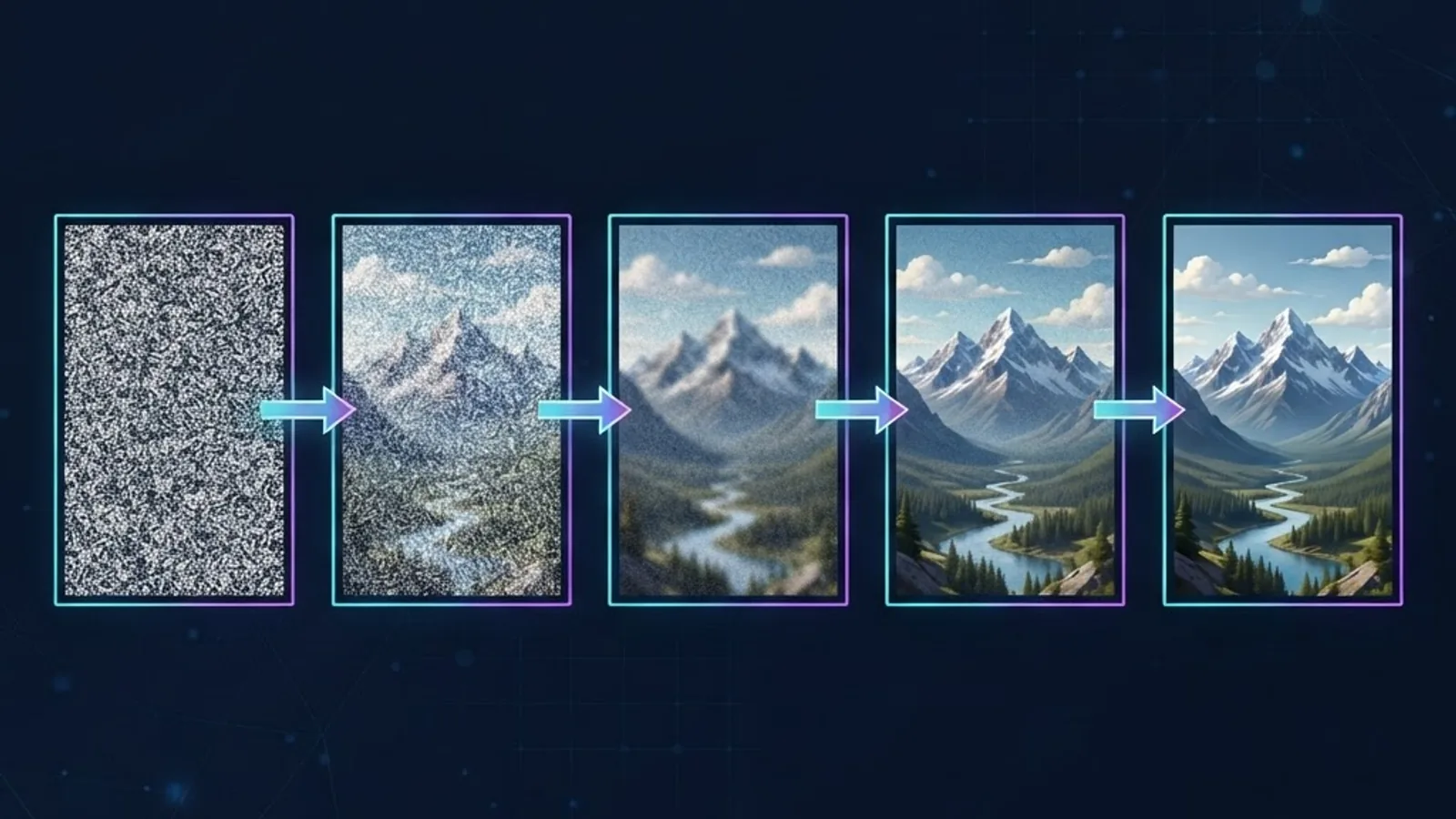
When you submit a prompt, the app starts with a field of pure random noise and runs 20 to 50 denoising steps, using your text as a steering signal at every step. The text itself is converted into numerical embeddings by a language encoder, which is why word choice and word order genuinely change your output rather than just acting as loose keywords.
Two settings control this process in most serious apps:
- Steps — more denoising passes generally mean more detail, with diminishing returns after roughly 30 to 40 steps.
- Guidance scale (CFG) — how strictly the model obeys your prompt. Low values produce creative drift; very high values produce oversaturated, rigid images. Mid-range values usually look best.
Understanding this explains a common frustration: the model is not reasoning about your sentence. It is nudging noise toward regions of its learned distribution that statistically match your embeddings. Concepts it saw thousands of times render beautifully. Concepts it rarely encountered, or that require counting and spatial logic, fail unpredictably.
Features That Separate Good Apps From Toys
Most free AI image apps wrap the same open models in different interfaces. The differentiator is the tooling around generation.
Resolution and Upscaling
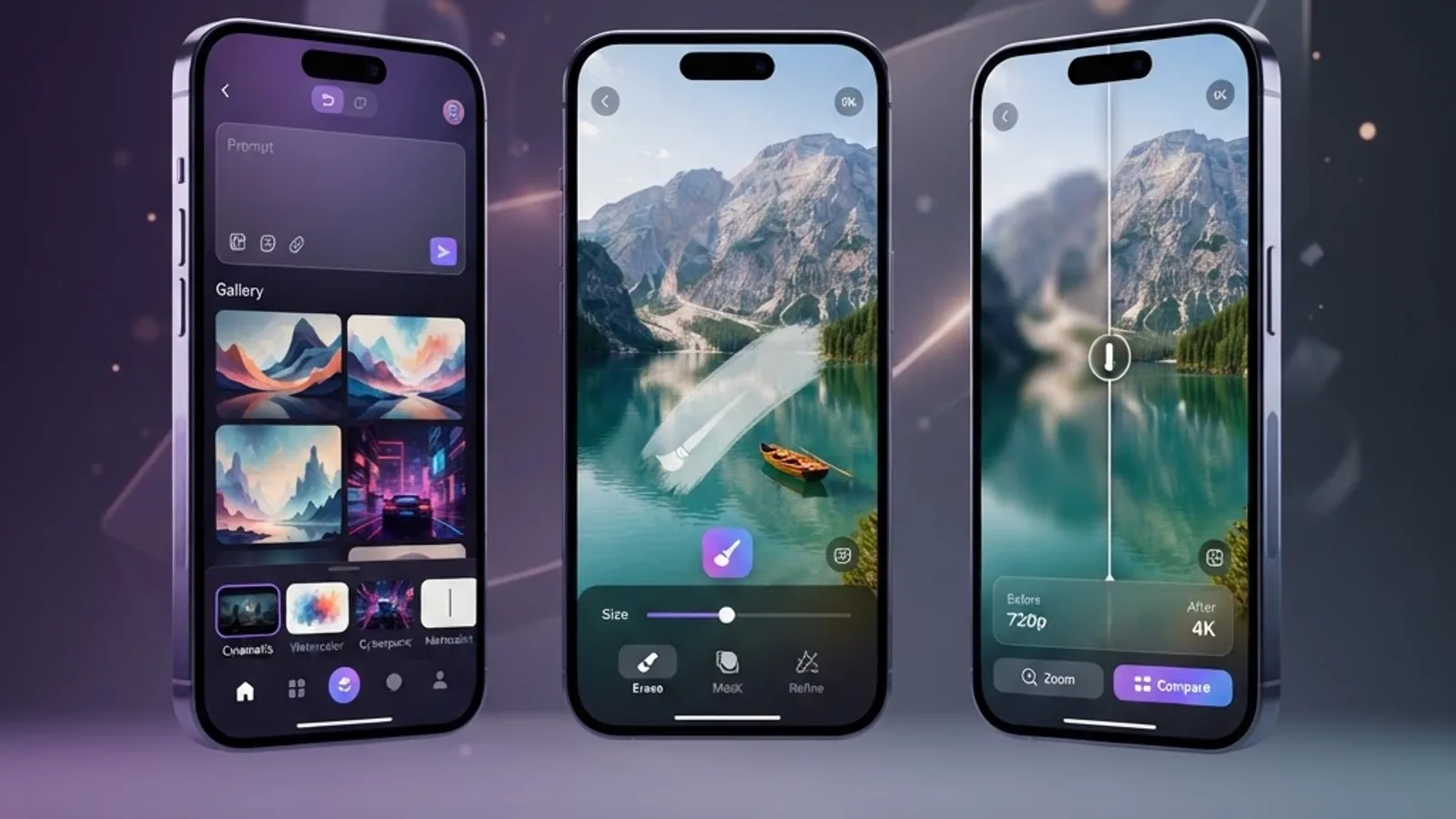
Base model output is often 1024 by 1024 pixels. That is fine for a social post and unusable for print or a website hero image. A quality app includes an upscaler that adds plausible detail rather than simply interpolating pixels. Check whether upscaling is included in your plan or metered separately, because it is frequently the hidden cost.
Inpainting Control
The ability to mask and regenerate one region is the difference between a novelty and a production tool. In real workflows, roughly four out of five near-miss images can be rescued by fixing a single element instead of rerolling the whole composition.
Character and Style Consistency
If you need the same character or visual style across a series of images, look for reference-image conditioning or trainable style presets. Without these, brand consistency is nearly impossible, and this is the most common reason teams abandon an app after the first campaign.
Commercial Licensing Clarity
Read the terms before commercial use. Some apps grant full commercial rights on paid tiers only, and free tiers may reserve the right to use your generations for training or promotion. This is a genuine legal exposure, not a formality.
Negative Prompts and Seeds
Negative prompts let you exclude unwanted elements. Seeds let you reproduce a result and iterate on it. Together they turn random generation into a controllable process.
How to Write Prompts That Produce Usable Images
Prompting is a skill with a learnable structure. Vague prompts produce generic images because the model defaults to the statistical average of everything matching your description.
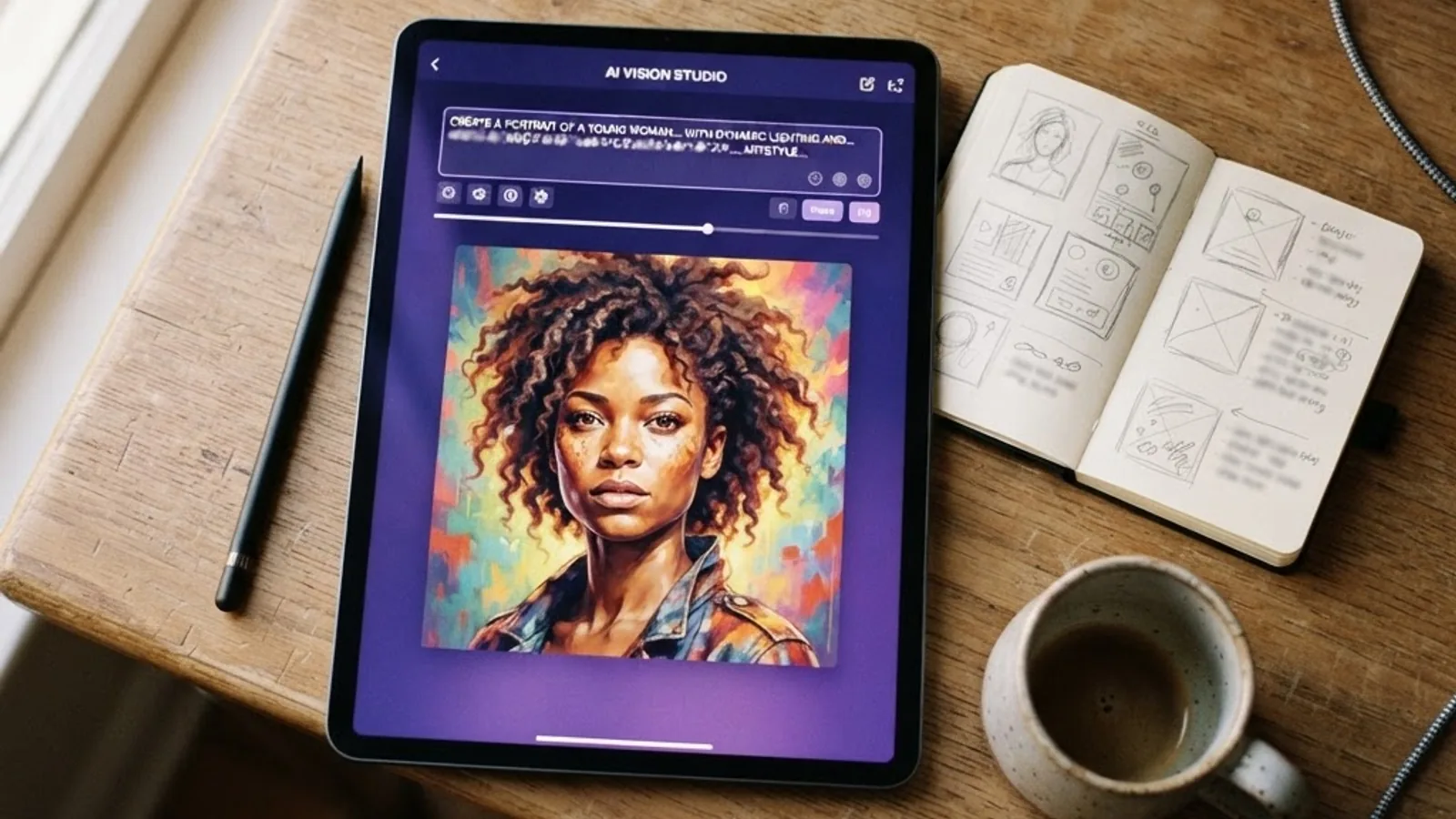
Use this five-part structure:
- Subject — who or what, described concretely. "A silver-haired ceramicist," not "a person."
- Action or state — what is happening. "Shaping a bowl on a spinning wheel."
- Environment — where. "In a sunlit workshop with clay dust in the air."
- Lighting and mood — "soft morning window light, warm and quiet."
- Medium and framing — "35mm photograph, shallow depth of field, waist-up composition."
Three techniques that consistently improve results:
- Front-load what matters. Most text encoders weight earlier tokens more heavily, so put your subject first and stylistic garnish last.
- Describe light, not just objects. Lighting language does more for perceived quality than adding adjectives to the subject.
- Generate in batches of four, then refine one. Selection plus inpainting beats endless prompt rewriting.
Avoid prompts that require counting, precise text rendering, or exact spatial relationships between many objects. These are known weak points, and no amount of rewording reliably fixes them.
Comparing AI Image Generator App Types
Different app categories suit different jobs. This comparison reflects the practical trade-offs rather than marketing claims.
| App Type | Best For | Editing Tools | Learning Curve | Commercial Rights |
|---|---|---|---|---|
| Consumer mobile apps | Fast social content, avatars | Basic | Very low | Usually paid tier only |
| Design-suite integrated | Marketing teams, brand work | Strong | Low | Yes, on business plans |
| Web studio platforms | Editorial and product visuals | Advanced | Medium | Yes, usually clear |
| Self-hosted open models | Full control, high volume | Unlimited | High | Yes, model dependent |
| API-based custom builds | Product features at scale | Custom built | High | Yes, provider dependent |
If you generate fewer than fifty images a month, a consumer app is sufficient. Past a few hundred a month, or when consistency matters, API-based or self-hosted setups become both cheaper and more controllable. Teams building generation into their own product usually need a custom implementation, which is where working with an experienced artificial intelligence development team saves significant time on model selection, cost control, and content moderation.
Using AI Image Apps for Real Business Work
The strongest commercial use cases are those where volume matters more than uniqueness.
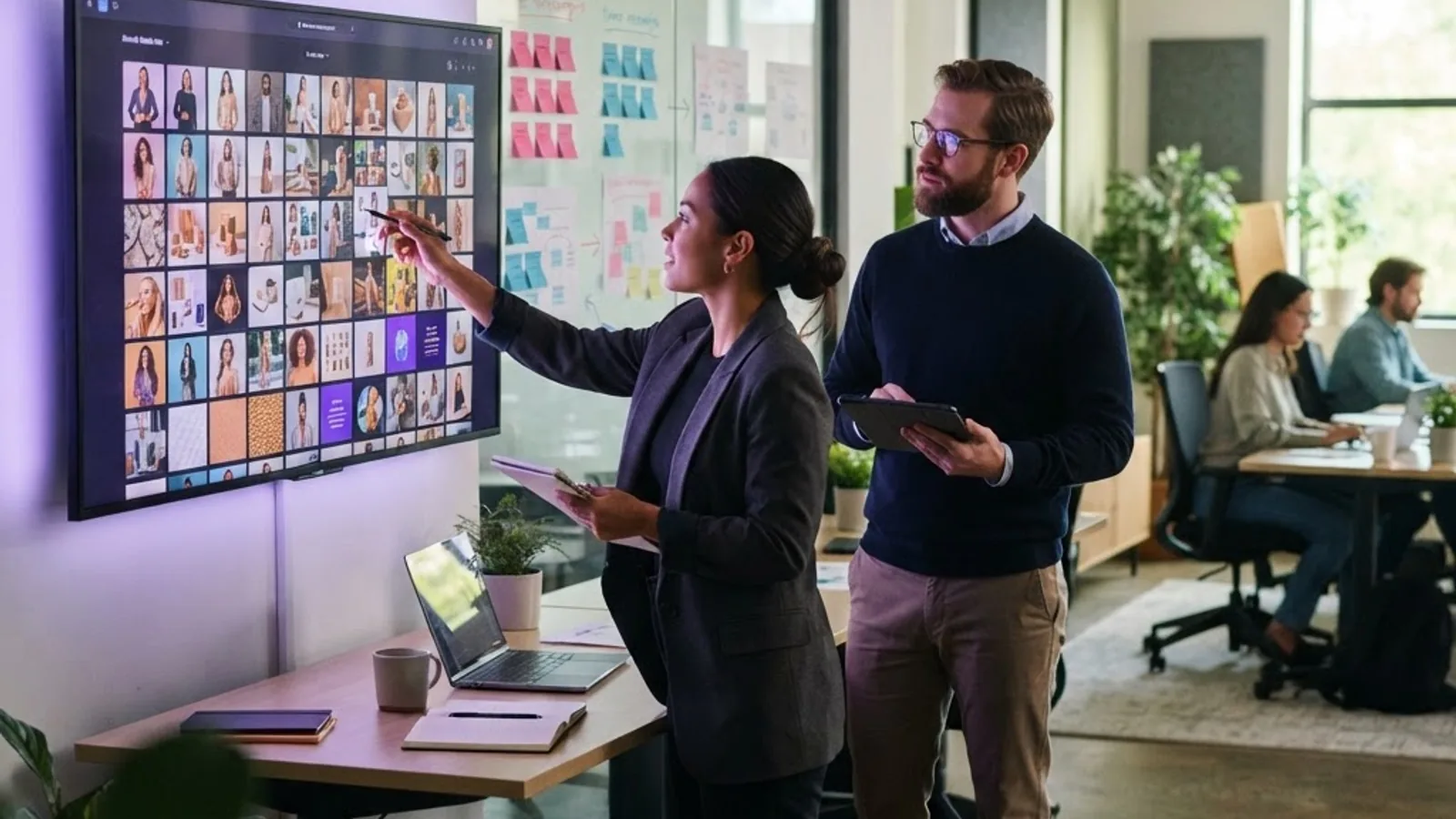
Where these apps deliver clear value:
- Concept and mood boards. Explore twelve visual directions in an hour instead of a week.
- Social media variation. Generate platform-specific crops and seasonal variants from one concept.
- Blog and editorial illustration. Replace generic stock photography with visuals matched to your exact topic.
- Product mockups and packaging concepts. Test placements before commissioning photography.
- Ad creative testing. Produce many variants for A/B testing, then invest production budget in the winner.
Where they underperform:
- Photographs of real people, real places, or your actual product.
- Anything requiring accurate, legible text in the image.
- Technical diagrams where accuracy is non-negotiable.
- Regulated industries where provenance of imagery must be documented.
The practical rule: use AI generation for exploration, volume, and illustration. Use real photography and human design for trust-critical assets. Teams that blend both, rather than replacing one with the other, get consistently better results. For businesses integrating this into a broader content and web strategy, resources at ZoneTechify and WebPeak cover how generated visuals fit alongside design systems and performance budgets.
Real Limitations You Should Plan Around
Honest assessment matters more than enthusiasm here.
Anatomy and fine detail. Hands, teeth, jewellery, and overlapping limbs remain error-prone. Always inspect at full resolution before publishing.
Text rendering. Newer models handle short words better, but longer text still degrades into pseudo-lettering. Add real text in a design tool afterwards.
Bias in output. Training data skews representation. Prompt explicitly for the diversity you need, because defaults will not provide it.
Style mimicry risk. Prompting a living artist's name is legally and ethically contested. Describe the visual qualities you want instead of naming a person.
Cost creep. Credit-based pricing feels cheap until you factor in the reality that usable images typically require several generations plus upscaling. Estimate your real cost per finished asset, not per generation.
Detectability and disclosure. Provenance metadata standards are being adopted across the industry, and some platforms flag synthetic media. If you publish generated images, decide your disclosure policy in advance.
A Repeatable Workflow for Production Use
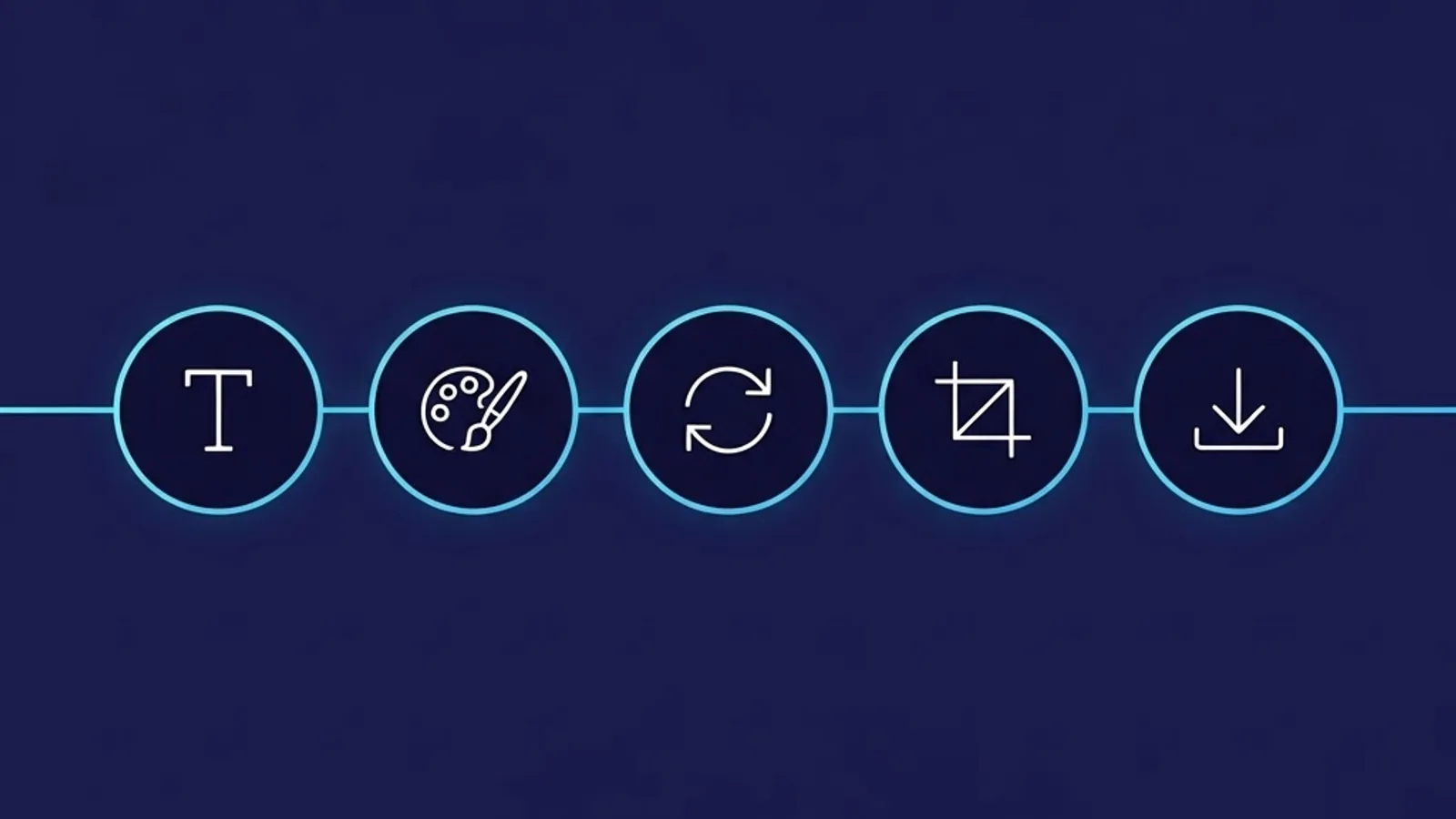
- Define the asset requirement first. Dimensions, placement, mood, and file format before you open the app. Generating without a spec wastes credits.
- Write a structured prompt using the five-part framework above.
- Generate a batch of four. Judge composition and lighting, not fine detail, at this stage.
- Fix the best candidate with inpainting. Repair hands, remove artefacts, adjust one element.
- Upscale, then finish in a design tool. Add real typography, correct colour to your brand palette, compress for web delivery.
Step five is where most people stop too early. A generated image that has been colour-corrected and paired with proper typography looks professionally art-directed. The same image published raw looks obviously synthetic.
If you are exploring the wider ecosystem of AI tools, including mobile-first options and their trade-offs, this breakdown of artificial intelligence apps and modified builds is worth reading before installing anything from an unofficial source.
Where AI Image Generation Is Heading
Three shifts are already visible in shipping products. First, generation is moving on-device, which reduces latency and keeps prompts private. Second, editing is becoming conversational, so you refine an image by describing the change rather than masking regions manually. Third, consistency tooling is maturing, making reliable character and brand continuity across dozens of images realistic rather than aspirational.
The strategic implication is straightforward: the technical barrier to producing images is collapsing, so competitive advantage moves to taste, art direction, and brand coherence. The generator becomes commodity infrastructure. Knowing which image your audience actually needs remains the scarce skill.
Key Takeaways
- AI image generator apps use diffusion models that reverse a learned noise-removal process, guided by text embeddings from your prompt.
- Output is non-deterministic. Generate in batches and select rather than expecting one prompt to produce one final asset.
- Inpainting, upscaling, negative prompts, seeds, and style consistency are the features that separate production tools from novelties.
- Structure prompts as subject, action, environment, lighting, then medium and framing, with the most important elements first.
- Known weak points are hands, legible text, object counting, and precise spatial relationships. Plan around them.
- Calculate cost per finished asset, not per generation, because usable results require multiple attempts plus upscaling.
- Verify commercial licensing terms before business use, especially on free tiers that may retain rights to your generations.
- Finish generated images in a design tool with real typography and brand colour correction to avoid an obviously synthetic look.
Frequently Asked Questions (FAQ)
What is the best AI image generator app for beginners?
Start with a consumer mobile or design-suite app that includes style presets and one-tap upscaling. These handle technical settings for you, so you can focus on learning prompt structure. Move to a web studio platform once you need inpainting, seeds, and negative prompts for consistent, production-quality output.
Are AI image generator apps free to use?
Most offer a free tier with limited daily generations, watermarks, or lower resolution. Paid plans unlock higher resolution, upscaling, faster queues, and commercial rights. Free tiers often reserve rights to use your images, so read the licence carefully before using any output for business purposes.
Can I use AI generated images commercially?
Often yes, but only if the app's terms explicitly grant commercial rights on your plan. Many free tiers exclude commercial use entirely. Avoid prompts naming living artists or trademarked characters, and never use generated images to imply endorsement by a real person or brand.
Why do AI image generators struggle with hands and text?
Diffusion models learn statistical patterns, not structural rules. Hands appear in countless positions and overlaps in training data, so the model lacks a consistent template. Text requires exact character sequences, which conflicts with the model's probabilistic approach. Fix both with inpainting or add text in a design tool.
How do I make AI images look less obviously AI generated?
Describe specific lighting and camera characteristics rather than generic quality words, avoid perfectly symmetrical compositions, and inspect at full resolution for artefacts. Then finish in a design tool by correcting colour to your brand palette and adding real typography. Post-processing does more than prompt tweaking.
How many images should I generate before choosing one?
Generate four at a time and judge composition and lighting only. Expect one in four to be worth refining. Rather than rerolling repeatedly, pick the strongest candidate and repair specific flaws with inpainting. This uses fewer credits and produces more consistent results than continuous prompt rewriting.
Final Thoughts
An AI image generator app is best understood as a fast visual drafting tool, not an automated designer. It compresses exploration from days to minutes, which is genuinely transformative for concepting, illustration, and creative testing. It does not replace judgement about what an image needs to communicate.
The people getting real value from these apps share one habit: they treat generation as the first step in a workflow that ends with human refinement. Define the asset before you prompt, generate in batches, fix locally rather than rerolling, and finish properly. Do that consistently and the output stops looking like AI art and starts looking like your brand.